Google is fundamentally changing how Mac users interact with text by bringing intelligent voice dictation and screen-aware AI directly to the Google Gemini macOS app. Instead of constantly switching between a browser tab and a word processor, users can now generate, edit, and summarize content using natural voice commands across any active window.
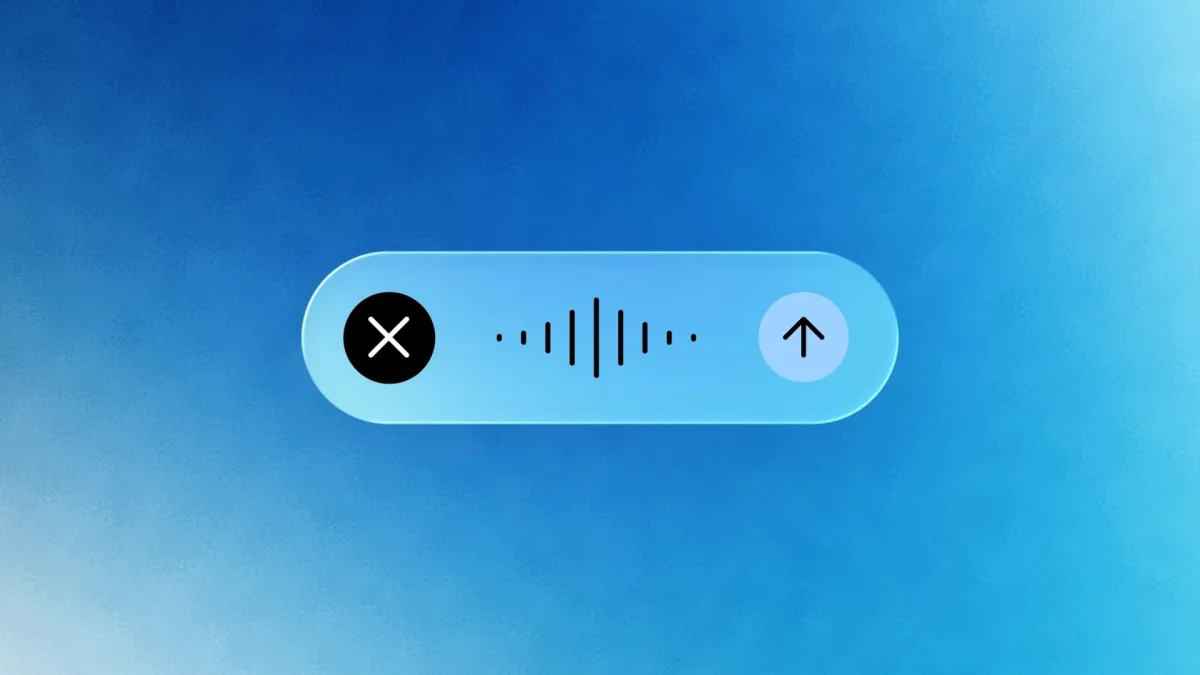
According to the official blog, the new text input mechanic is designed to handle the messy reality of human speech. By holding down the Fn key, users can dictate their thoughts naturally while the application transcribes the audio in real time. The system automatically applies an intelligent filter to strip out common hesitations like "ums" and "ahs," and it seamlessly corrects mid-sentence changes in thought, dropping a polished final draft directly at the cursor's position.
Beyond simple transcription, the assistant now leverages visual context to handle complex workflows. When the platform's reasoning capabilities are activated, the AI can interpret exactly what is displayed on the Mac's screen. Users can highlight local files, images, or documents and verbally instruct the tool to extract key data or summarize the highlighted information without ever leaving their current workspace.
The update also extends to direct editing and creative tasks. Users can ask the AI to rewrite an existing paragraph, adjust the tone for formal or informal communication, or describe ideas out loud to generate and edit images for rapid design iterations.
How to Use Gemini's New Voice Features on Mac
- Open the Google Gemini app on your Mac and ensure your language is set to English (the only supported language at launch).
- Place your cursor in any text field or document where you want to type.
- Press and hold the Fn key on your keyboard to begin dictating naturally.
- To use screen analysis, select a file or image on your screen and verbally ask Gemini to summarize or rewrite the content.
The End of the Copy-Paste Era for AI
This update signals a critical shift in how desktop AI operates, moving from a siloed chatbot experience to a deeply integrated system utility. By allowing Gemini to read the active screen and inject text directly at the cursor, Google is directly challenging Apple Intelligence on its home turf.
For professionals who spend hours drafting reports or emails, the elimination of the copy-paste friction is a massive productivity gain. However, the initial English-only limitation gives Apple a brief window to catch up globally, provided its own native macOS AI tools can match this level of seamless voice-to-text reasoning.