Proton VPN users often leave powerful privacy and speed optimization features untouched, settling for basic protection that can slow down their daily browsing. By configuring advanced settings like domain-level split tunneling and custom connection profiles, you can bypass geo-restrictions and maintain local network access without sacrificing security.
Privacy-conscious users and frequent travelers relying on Proton VPN can unlock faster speeds and cheaper flights by mastering these ten hidden configurations. The following steps outline how to transform a standard VPN connection into a highly customized privacy tool.
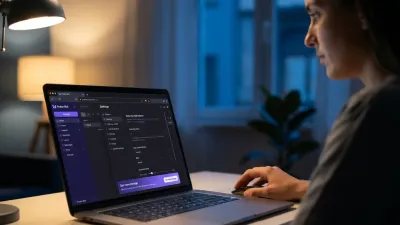
- Configure device-level split tunneling to route only sensitive apps through the VPN.
This ensures better speeds for low-risk activities like gaming while protecting banking apps in Include mode. - Install the Proton VPN browser extension for domain-level split tunneling.
This enables you to reserve the VPN exclusively for sensitive websites, reducing latency on general browsing. - Create one-click connection profiles for specific streaming services.
This saves time by automatically applying your preferred location and protocol settings without manual adjustments. - Combine preset profiles with incognito browsing to bypass dynamic pricing on travel.
This allows you to view baseline rates and book cheaper flights by routing traffic through lower-GDP regions or the airline's home country. - Enable LAN connections in Settings to access local devices.
This permits your computer to communicate directly with home printers and media servers while keeping external traffic secure (requires a paid subscription). - Activate the Stealth Protocol to bypass restrictive corporate or government firewalls.
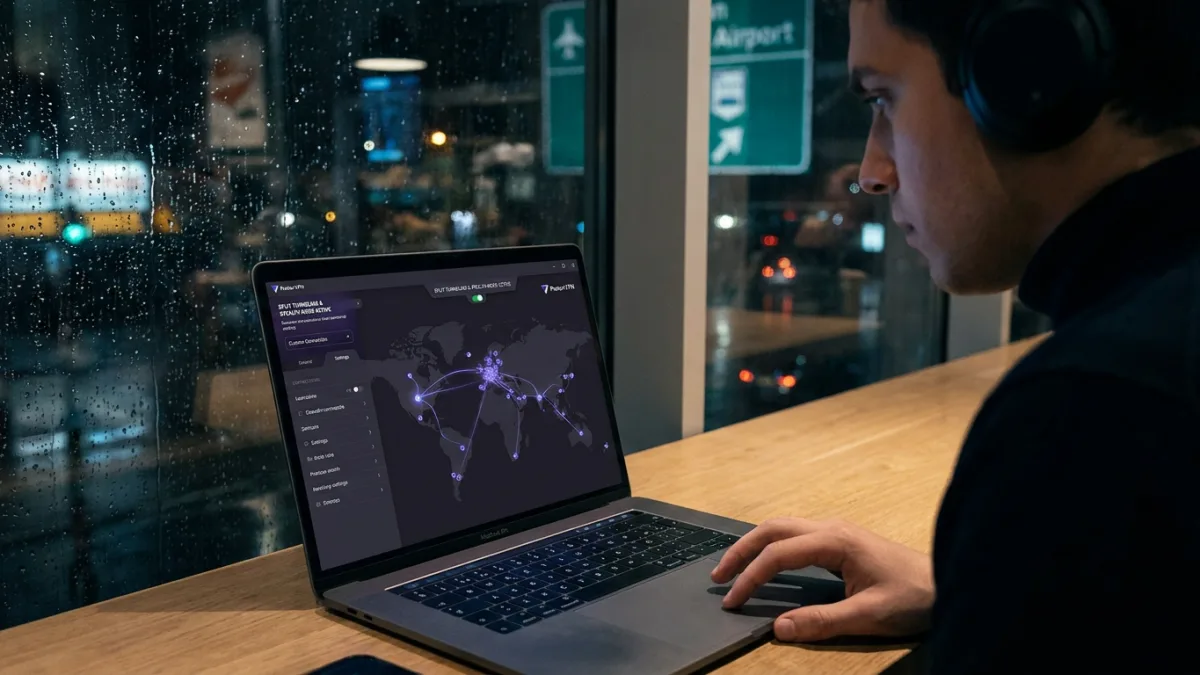
This disguises your VPN connection as standard HTTPS web traffic, ensuring access even when standard VPN ports are blocked. - Turn on the advanced kill switch to prevent accidental data exposure.
This blocks all internet traffic if the VPN connection drops, which is critical for protecting data on public Wi-Fi networks. - Adjust NetShield settings to block malware without breaking websites.
This prevents aggressive ad-blocking from disabling necessary site features while still stopping known malware domains (paid subscribers only). - Manage alternative routing to balance anti-censorship with privacy concerns.
This reroutes traffic through third-party infrastructure like AWS or Cloudflare if Proton is blocked, though you can opt out to keep your IP address completely private. - Set up mobile shortcuts using iOS Shortcuts or Android widgets.
This enables automated VPN connections based on specific triggers, such as joining an untrusted network or leaving home.
The Hidden Cost of Anti-Censorship Tools
While the alternative routing feature is a powerful mechanism for bypassing government censorship, it introduces a privacy trade-off that many users overlook. Rerouting traffic through third-party infrastructure owned by tech giants like AWS, Cloudflare, or Google means your IP address may be visible to those specific entities during the routing process.
Users must align their VPN configurations with their specific threat models rather than assuming default settings provide blanket anonymity. If your primary goal is avoiding corporate tracking rather than evading state-level firewalls, opting out of alternative routing ensures your data remains strictly within Proton's encrypted ecosystem.