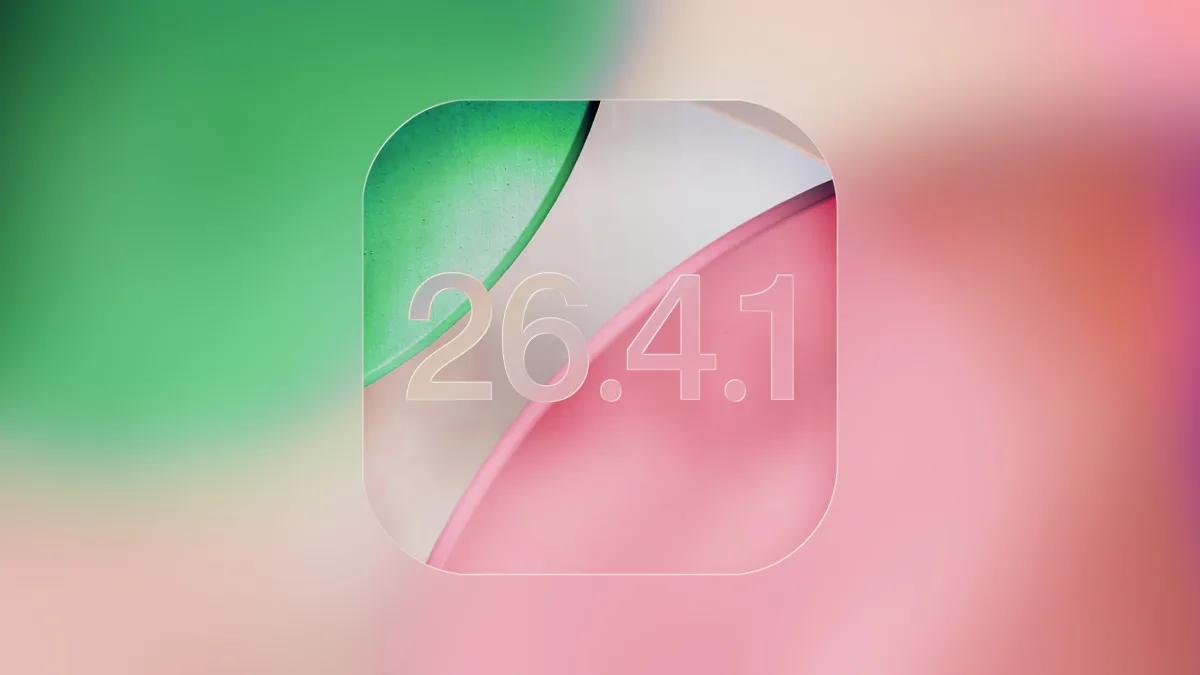
The newly released iOS 26.4.1 update is a critical download for iPhone users experiencing frustrating iCloud syncing failures. While Apple's official release notes vaguely cite standard bug fixes, digging deeper reveals two major changes targeting app data synchronization and enterprise security. If you own an iPhone 11 or newer, this minor patch addresses specific pain points that could be disrupting your daily workflow.
Fixing the iCloud Syncing Bug
According to an Apple Developer Forums thread spotted by 9to5Mac, the iOS 26.4.1 update directly patches a persistent issue that prevented certain apps from syncing properly with iCloud. Users running the previous iOS 26.4 build reported that their app data was failing to update across devices. This patch restores seamless background synchronization, ensuring your third-party app data remains current.
Stolen Device Protection for Enterprise
The second major change focuses on corporate security. An official Apple support document confirms that Stolen Device Protection will now be automatically enabled for managed workplace iPhones updating from iOS 26.4. While regular consumers already saw this feature turned on by default in the previous release, this update closes the gap for organization-managed devices.
Originally introduced in iOS 17.3, Stolen Device Protection prevents thieves from accessing sensitive data even if they know your passcode. It mandates Face ID or Touch ID authentication without a passcode fallback for critical actions. These actions include viewing passwords in iCloud Keychain, applying for a new Apple Card, or using payment methods saved in Safari.
For highly sensitive changes, such as altering an Apple ID password, the system enforces a strict one-hour security delay. Users must authenticate biometrically, wait an hour, and authenticate again, unless the device is in a familiar location like home or work.
How to Update Your iPhone
To ensure your device is protected and syncing correctly, you should install the patch immediately. Follow these standard steps to secure your device:
- Open the Settings app on your iPhone.
- Navigate to General, then tap on Software Update.
- Wait for iOS 26.4.1 to appear, then tap Download and Install.
The Bottom Line: Apple's Silent Security Push
Apple's decision to quietly enforce Stolen Device Protection for enterprise users in iOS 26.4.1 highlights a broader shift toward zero-trust mobile security. By removing the passcode fallback for managed devices, Apple is actively mitigating the risk of shoulder-surfing attacks in corporate environments.
Furthermore, the rapid deployment of an iCloud sync fix demonstrates how quickly Apple responds to developer forum feedback when core ecosystem features break. For anyone relying on seamless cross-device workflows, skipping this seemingly minor update is not worth the risk of fragmented app data.
This article was written by AI from reporting by macrumors.com.