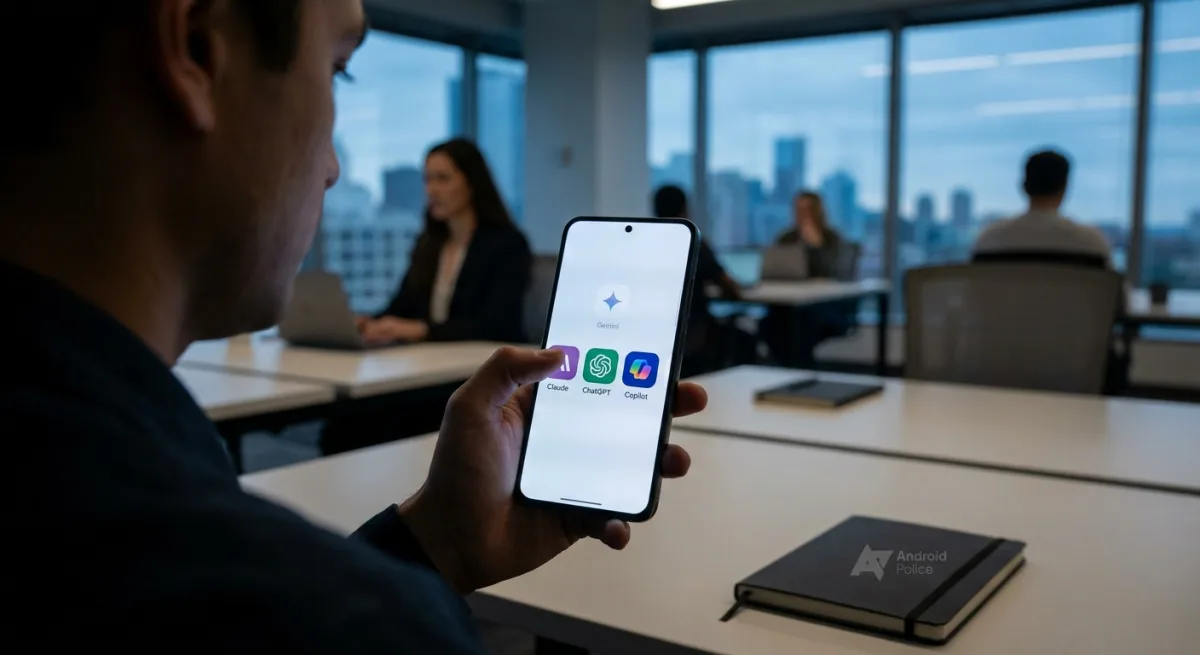
Finding a true Gemini alternative on Android is becoming a priority for power users who feel restricted by Google's default ecosystem. While Gemini enjoys deep system-level privileges, a month-long test by Android Police reveals that third-party AI assistants like Claude, ChatGPT, and Microsoft Copilot offer compelling advantages for demanding workflows. By sidelining Gemini entirely and testing the Pro tiers of its biggest rivals, the experiment exposed exactly how these AI powerhouses perform when forced to live inside Google’s sandbox.
ChatGPT: A Premium Workspace with a Voice Quirk
OpenAI makes a strong case for life outside the Google bubble. The ChatGPT Android app delivers a fluid, premium interface rather than a basic web wrapper. According to the review, it excels in heavy productivity, particularly with the recent addition of remote session support for Codex - a major asset for development workflows.
Combined with native third-party app integrations and the Projects feature for context retention, ChatGPT handles complex, multi-layered queries with nuance that Gemini often lacks. However, mapping the app to the phone's side key aggressively forces the advanced voice mode, which can be frustrating in quiet environments. On the plus side, it successfully reads on-screen context to answer questions accurately.
Claude: The Ultimate All-Rounder
Claude emerges as the closest direct competitor to Gemini on Android. It seamlessly integrates with Google Workspace apps like Gmail, Drive, and Calendar, as well as third-party services like Canva. Users can pull up a Google Doc or a Canva file and ask Claude to summarize or improve it.
While it lacks support for Keep Notes, Tasks, and YouTube Music, its execution of complex queries - such as drafting highly specific emails - often hits the mark on the first try without the need for follow-up prompts. The ecosystem extends powerfully to the desktop, where Anthropic now integrates Claude Code directly into the app, moving past its previous Terminal-first approach. The Claude Cowork feature also provides robust local file organization on Mac.
Microsoft Copilot: Powerful on Desktop, Clunky on Mobile
Microsoft Copilot struggles to match the mobile-first fluidity of its rivals. The Android app feels unpolished, featuring stiff, robotic fonts that look out of place. More critically, it is strictly confined to the Microsoft and Google ecosystems with zero third-party support.
Attempts to use natural language prompts to pull files via OneDrive integration failed during testing. However, Copilot shines in image generation, successfully producing detailed home lab designs. Furthermore, its desktop integration with Word, PowerPoint, and Excel remains unmatched, allowing users to generate entire presentations or complex pivot tables with a single prompt.
The Ecosystem Tax on Mobile AI
The search for the perfect AI assistant highlights a growing divide between system-level convenience and specialized power. Google’s Gemini will always have the home-field advantage on Android due to deep OS integration, making it the path of least resistance. However, the testing clearly shows that relying solely on the default option leaves serious productivity on the table.
The fact that Claude outperforms Gemini in Google's own Workspace apps, like Drive and Gmail, is a glaring signal that Google's AI integration is still maturing. For power users, the market is forcing a fragmented approach: you might need Gemini for hands-free phone control, Copilot for Office 365 desktop tasks, and Claude for heavy coding and nuanced writing. Until third-party apps are granted deeper system hooks in Android, users will have to choose between the friction of switching apps and the limitations of the default assistant.
This article was written by AI from reporting by androidpolice.com.