

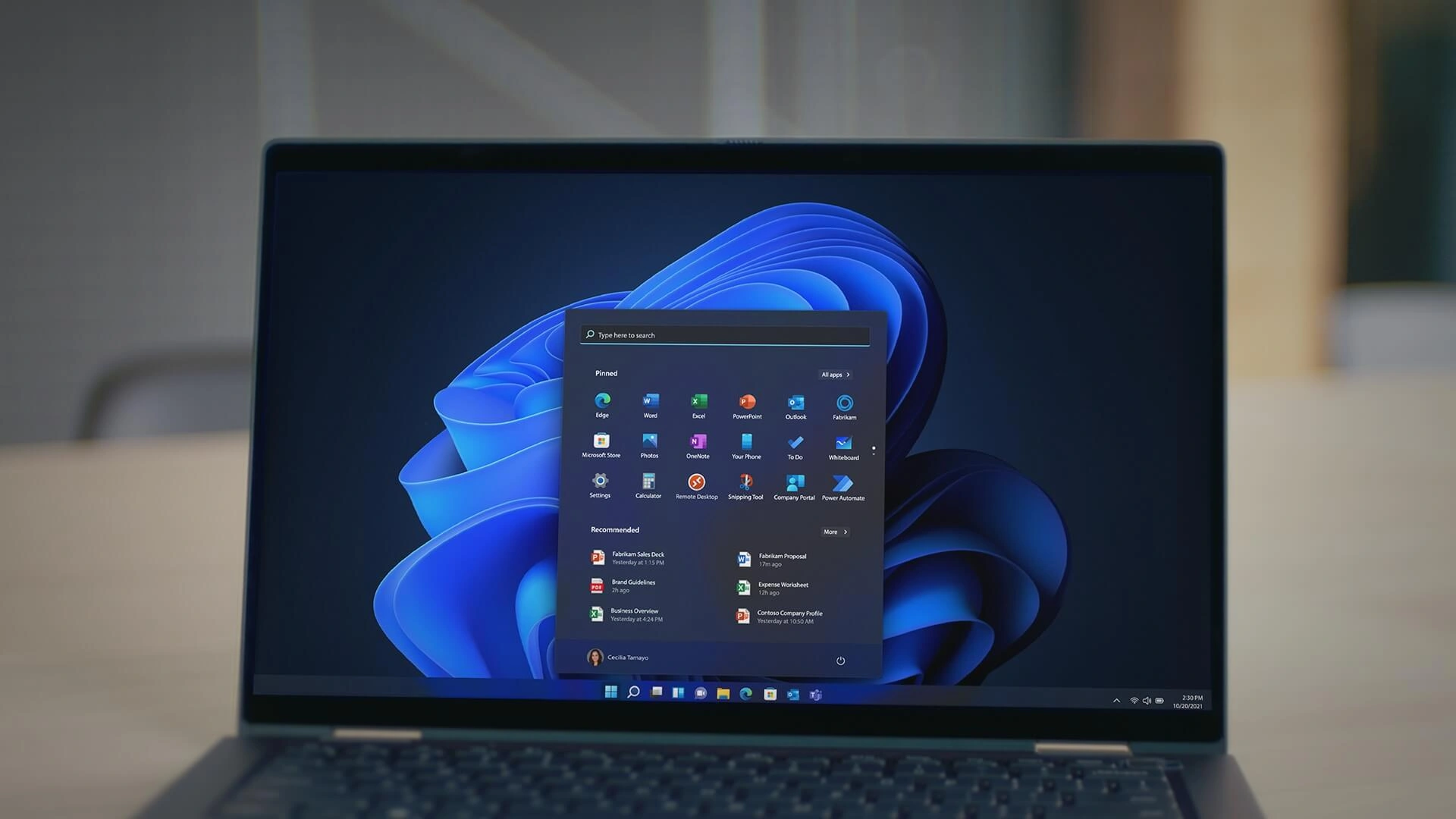
Microsoft Resolves Windows 11 Modern Standby Battery Drain Problem
Microsoft has officially confirmed that Windows 11 has resolved the Modern Standby issues that previously caused unexpected device wake-ups and excessive battery drain. The fix ensures that background processes no longer trigger the power management problems that frustrated laptop users for months.
What Is Modern Standby and Why It Mattered
Modern Standby is Windows 11's low-power sleep state designed to keep devices responsive while consuming minimal battery. However, the feature became notorious for failing to work as intendedbackground processes would inadvertently wake devices from sleep, causing batteries to drain rapidly even when laptops were supposedly idle. Users reported finding their devices hot and depleted of battery after just a few hours in standby mode, making the feature more of a liability than a benefit.
For professionals relying on portable devices throughout the day, this issue was particularly problematic. A laptop that couldn't maintain a charge during meetings or travel became unreliable, forcing users to either disable Modern Standby entirely or constantly monitor their power settings.
Why This Fix Matters
This confirmation represents a significant quality-of-life improvement for Windows 11 users, particularly laptop owners who depend on extended battery life. By eliminating unexpected wake-ups and power drain, Microsoft has restored confidence in the Modern Standby feature, which was designed to be one of Windows 11's key advantages over previous versions.
The fix also reflects Microsoft's commitment to addressing long-standing user complaints. Modern Standby issues have been a recurring topic in tech forums and support communities since Windows 11's launch, with many users considering it a critical flaw in the operating system's power management.
Technical Background and Implementation
Modern Standby operates differently from traditional sleep modes by keeping the system in a low-power state while maintaining network connectivity and allowing certain background tasks to run. This design enables features like receiving notifications and updates while the device appears to be asleep. However, the balance between responsiveness and power efficiency proved difficult to achieve, leading to the battery drain problems users experienced.
Microsoft's confirmation suggests the company has refined how background processes interact with Modern Standby, likely through updates that better control which tasks can execute during low-power states and how aggressively the system wakes from sleep.
Real-World Impact
Consider a business traveler who closes their laptop during a flight, expecting it to maintain battery for the next eight hours. Under the previous Modern Standby behavior, the device might wake unexpectedly due to background sync operations or network activity, consuming battery at an accelerated rate. Upon landing, the laptop could be nearly depleted despite minimal actual use. With this fix in place, the device should remain in true low-power mode, preserving battery for when it's actually needed.
Looking Forward
This resolution sets a positive precedent for how Microsoft addresses systemic issues in Windows 11. As the operating system matures, users can expect continued refinements to power management and other core features. The fix also underscores the importance of ongoing updates and patches in maintaining operating system reliabilitya lesson particularly relevant as Windows 11 becomes the standard across enterprise and consumer environments.
Users experiencing battery drain issues should ensure their systems are fully updated to receive the Modern Standby improvements. For those who previously disabled the feature due to reliability concerns, re-enabling Modern Standby may now provide the intended benefits of improved battery life without the frustration of unexpected wake-ups.
