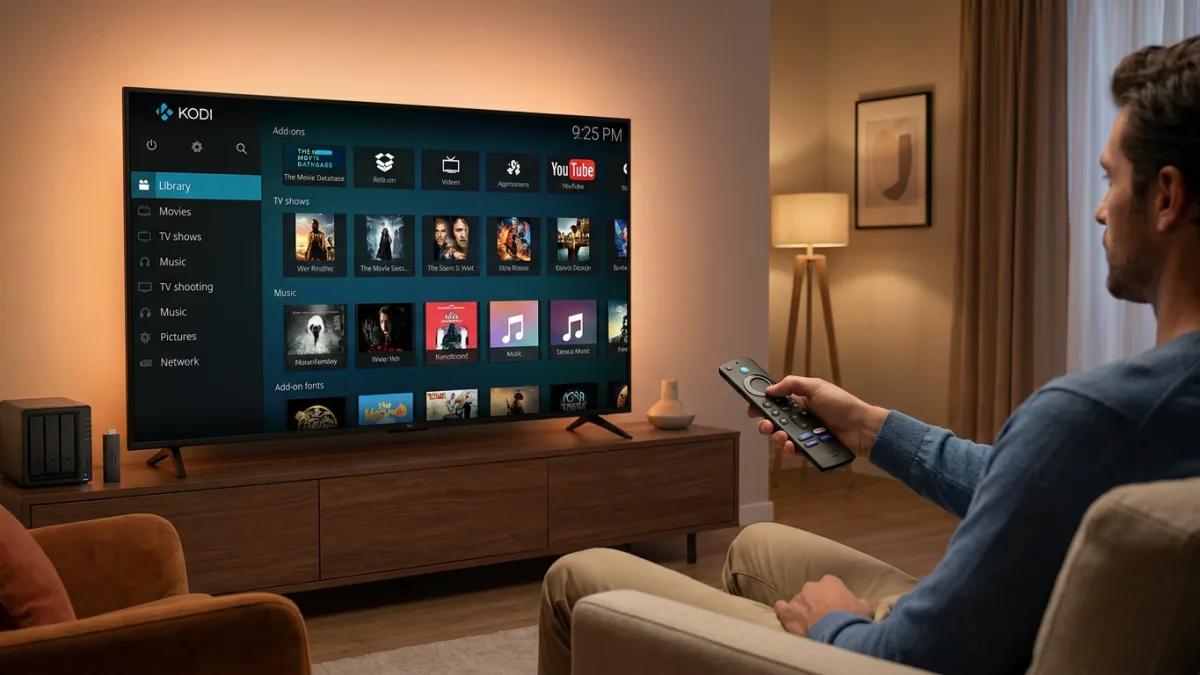
Kodi is a powerful open-source media center that organizes movies, TV shows, live channels, music, and photos into a single customizable interface. Writing for MakeUseOf, Jack notes that unlike built-in smart TV apps, Kodi does not restrict users to one brand's ecosystem. It can organize external media stored on hard drives, NAS, or online into an attractive library.
How to install Kodi on different smart TVs
The installation process depends on the TV's operating system and brand.
For Android TV models from Sony, Hisense, or TCL, users can open the Google Play Store, search for Kodi, and install it directly.
Because Samsung and LG TVs do not support the Google Play Store, they require an external streaming device. The MakeUseOf author used an Amazon Fire TV Stick 4K and installed Kodi via a downloader app.
Roku users can mirror or cast Kodi to their TV from an external device, such as a smartphone or computer.
Customization and add-ons
Most smart TVs come with independent streaming apps, but Kodi integrates services into one hub. Users can access their media library, including Google Photos, and change themes or skins to rearrange menus and organize metadata.
The platform relies heavily on built-for-purpose add-ons. The MakeUseOf guide highlights The Movie Database (TMDb) and YouTube for discovering content, alongside Plex for Kodi, which organizes local files with promotional artwork and metadata. Users can also add curated live TV channels and on-demand shows.
Troubleshooting and security
When facing issues like buffering or add-ons failing to load, clearing Kodi's cache or updating the specific add-on usually resolves the problem.
For security, the author recommends downloading add-ons only from the official Kodi repository or sources reviewed by the community. Adding a VPN, such as the ExpressVPN app on a Fire TV Stick, provides an extra layer of protection for streaming regional apps or unverified sources.
Kodi does not update automatically. Users must manually install new versions by sideloading or checking Google Play and the Amazon App Store.
A centralized entertainment hub
Installing Kodi offers a more flexible and powerful experience than stock interfaces, such as Samsung's default system. By keeping local files, streaming apps, artwork, and metadata in one customized hub, it provides a significant upgrade for casual media collectors looking to streamline their smart TV experience.