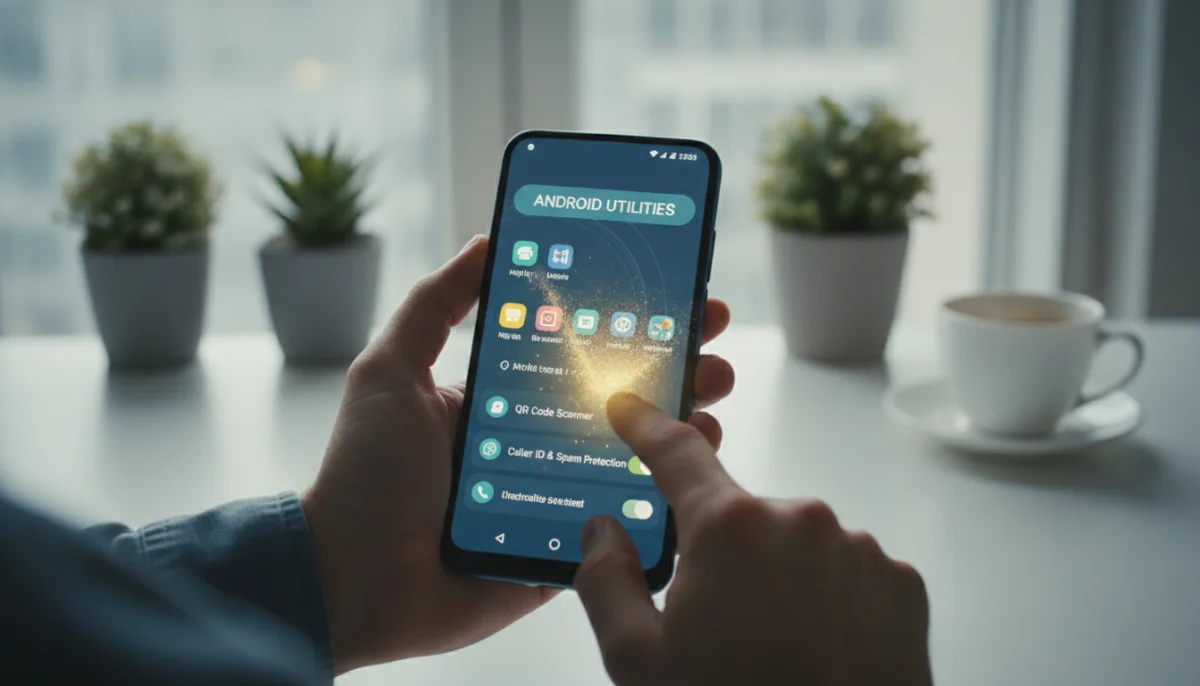
Millions of users are still downloading useless Android apps that drain battery life, consume storage, and clutter their home screens. While third-party utilities were once essential for basic tasks, modern Android updates have quietly integrated these tools directly into the operating system. By relying on native features, you can streamline your device and eliminate redundant software.
5 Redundant Apps to Uninstall Today
- Document Scanners and OCR: You no longer need dedicated apps to digitize physical documents or extract text from images. On Android 14 or later, simply open the default Camera app and point it at a document to trigger the automatic Scan button. For text extraction (OCR), Samsung users can tap the T button in the viewfinder, while Pixel and OnePlus users can utilize the built-in Google Lens integration to copy, translate, or search text directly from the camera feed.
- QR Code Scanners: Since Android 13, QR scanning is a native system-level feature. You can either point your stock Camera app at a code to reveal its contents or use the dedicated Scan QR Code toggle located in the Quick Settings menu for instant access.
- Clipboard Managers: Keeping track of copied text and images is now handled natively by default keyboards. Google's Gboard features a built-in clipboard manager (accessible via the gear icon settings) that saves copied items for an hour, allowing you to pin important clippings permanently. Samsung Keyboard offers a similar feature enabled by default, accessible via the clipboard icon in the top row, without the one-hour expiration limit for unpinned items.
- Blue Light Filters: Third-party screen dimming apps are obsolete thanks to built-in display adjustments that reduce eye strain at night. Navigate to your Settings app and look for Night Light (Google), Eye Comfort Shield (Samsung), or Eye Comfort (OnePlus) under the Display menu. You can customize the color temperature, adjust intensity, and set automatic schedules.
- Caller Identification: Spam blocking and caller ID apps like Truecaller are largely unnecessary for basic filtering. Most default Phone apps now include a Caller ID and Spam Protection toggle in their settings. Furthermore, some regions are implementing network-level identification, such as India's CNAP (Calling Name Presentation), which displays the caller's legal government name directly through the carrier without requiring an internet connection or third-party software.
The Inevitable "Sherlocking" of Android Utilities
The gradual integration of these basic utilities highlights a broader industry trend where mobile operating systems absorb the functionality of popular third-party apps. While Android still lacks native universal search capabilities comparable to Apple's Spotlight, the gap is closing rapidly. The upcoming Android 17 QPR2 update is already slated to introduce native app locking, eliminating yet another category of third-party utilities.
For consumers, this consolidation is a massive win for privacy and device performance. Third-party utility apps, particularly flashlights, scanners, and caller IDs, have notoriously been vectors for aggressive advertising and unnecessary data harvesting. By relying exclusively on system-level tools, users not only free up storage space but also significantly reduce their exposure to background tracking and potential security vulnerabilities.
This article was written by AI from reporting by androidauthority.com.