That split-second swipe on "Clear all" just erased your reminder for a critical meeting or message. But Android users, rejoice: built-in tools let you claw back dismissed notifications effortlessly, turning regret into relief.
Since Android 11, Google embedded Notification History to log alerts for up to 24 hours, capturing everything from app updates to texts you accidentally banished. No more panicenable it once, and your phone becomes a time machine for missed pings.
Enable Notification History on Modern Android
Start in the Settings app, your gateway to this lifesaver. Swipe down from the top of your screen or tap the gear icon to launch it swiftly.
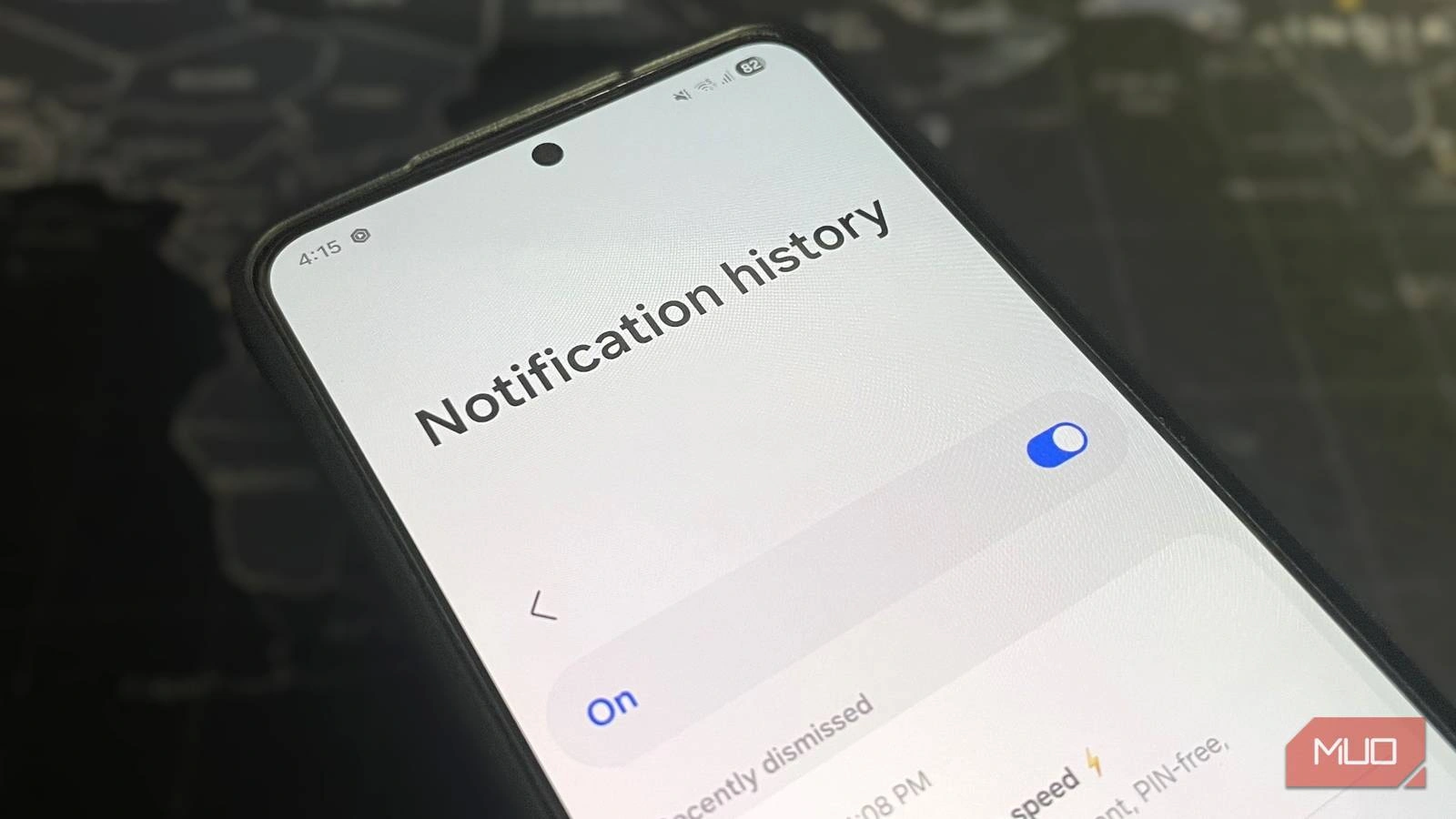
Drill down to Notifications, then spot Notification Historyit's often off by default, lurking as a toggle switch. Flip it on, and from now on, every dismissed notice gets archived automatically. Swipe down the notification shade again, and "History" appears at the bottom, unveiling your log of the past day. Perfect for troubleshooting blocked alerts or reviewing snoozed ones without digging through apps.
Accessing Your Notification Vault
With the feature active, pull down the notification panel. Scroll to the bottom where "History" beckons like a secret drawer. Tap it to reveal a chronological list: timestamps, app icons, and full message previews.
This isn't just recoveryit's smart management. Spot patterns in noisy apps? Adjust settings right there to mute offenders. Google designed it for accidental swipes, snoozes, and debugging why your phone stayed silent on that VIP text. Retention caps at 24 hours to save space, but that's ample for most mishaps.
Older Android? Widget Hacks and Shortcuts
Pre-Android 11 users lack the native toggle, but widgets unlock the Notification Log. Long-press an empty home screen spot, select Widgets, and hunt for Settings. Drag it out, choose Notification Log, and booma one-tap portal to past alerts materializes.
Samsung fans get extras like Nice Catch from the Galaxy Store for seamless shortcuts. For stubborn devices, launchers like Nova or Activity Launcher expose hidden Activities: search Settings > Notification Log. These free tools bypass version limits, proving Android's flexibility endures.
Third-Party Boosters for Power Users
Apps like Notifications Recovery elevate the game: open-source, privacy-first, it saves everything locally with search and export. No data leaves your deviceideal if stock features fall short. Dr.Fone offers deeper recovery for messages and contacts too, sans backups.
Methods Comparison: Stock vs. Alternatives
Choose wisely based on your setup. Here's a breakdown:
| Method | Android Version | Pros | Cons |
|---|---|---|---|
| Native History | 11+ | Built-in, no apps, 24h log | Must enable manually, time-limited |
| Settings Widget | All | Quick home screen access | Not on all OEMs |
| Notifications Recovery App | All | Searchable, open-source, unlimited | Requires install |
| Nova/Activity Launcher | All | Exposes hidden logs | Extra app needed |
This table spotlights native ease for most, with apps filling gaps.
My Take
Android's Notification History isn't just a fixit's a visionary nod to human error in our alert-saturated lives. As notifications explode with AI assistants and IoT, expect Google to extend retention and add AI summaries. Enable it today; your future self will thank you when that swiped alert resurfaces like magic.
This article was written by AI from reporting by makeuseof.com.