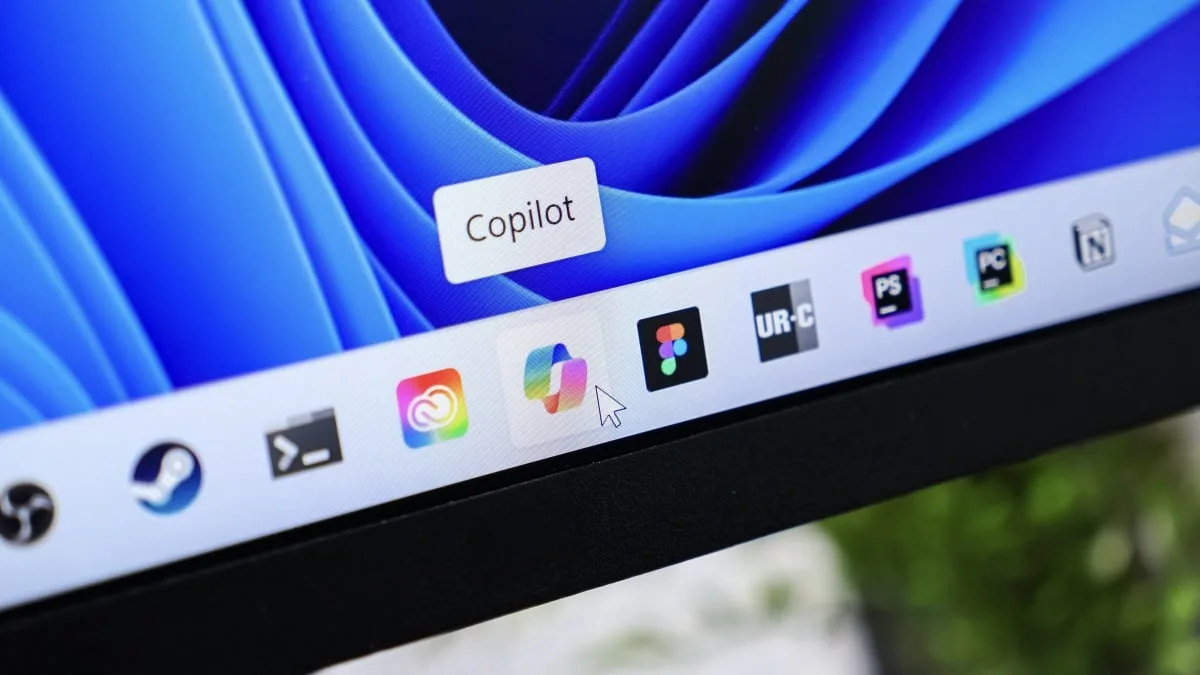
Microsoft is officially rolling back its aggressive AI push by removing Windows 11 Copilot buttons from core system applications. For users frustrated by the constant presence of generative AI in basic tools, this update signals a major shift in the company's design philosophy. As spotted by Tom Warren at The Verge, the latest Windows Insider builds have already begun stripping the prominent AI shortcuts from everyday utilities.
Notepad and Snipping Tool Lose the AI Clutter
The initial phase of this rollback targets some of the most frequently used native applications. In the latest Windows Insider version of Notepad, the dedicated Copilot button is completely missing. Instead, Microsoft has replaced it with a more subtle "writing tools" menu.
A similar adjustment has been made to the Snipping Tool. When users select an area to capture a screenshot, the previously intrusive Copilot prompt no longer appears. According to Pavan Davuluri, Microsoft's President of Windows and Devices, this cleanup effort will soon expand to other native applications, including Photos and Widgets.
AI Features Remain, but Out of Sight
While the prominent Windows 11 Copilot buttons are disappearing, the underlying generative AI capabilities are not being entirely scrapped. The new "writing tools" menu in Notepad still houses Microsoft's AI-assisted text generation features for those who actively want to use them.
This UI change allows users who prefer a traditional, AI-free experience to easily ignore the tools. The shift suggests that Microsoft's initial "in your face" strategy for AI adoption has backfired, prompting a more opt-in approach. Interestingly, this pivot follows recent scrutiny over Microsoft's official terms of service, which previously stated that Copilot was intended "for entertainment purposes only."
The Awkward Reality for Copilot+ PCs (My Take)
While cleaning up the software interface is a straightforward fix, this strategic pivot leaves the hardware side of Microsoft's ecosystem in a remarkably awkward position. Manufacturers were heavily pressured to include a physical Copilot key on the keyboards of new Copilot+ PCs to signal a new era of AI computing.
Now that Microsoft is actively hiding the software triggers, dedicating a permanent hardware key to a feature users are actively rejecting feels like a glaring design misstep. Fortunately, users who have no interest in generative AI can remap this physical key to perform more useful system functions.
Ultimately, this rollback proves that forcing generative AI into every corner of an operating system does not guarantee user adoption. Moving forward, Microsoft will likely need to focus on delivering genuine utility rather than relying on inescapable UI prompts to drive its AI metrics.
This article was written by AI from reporting by lifehacker.com.