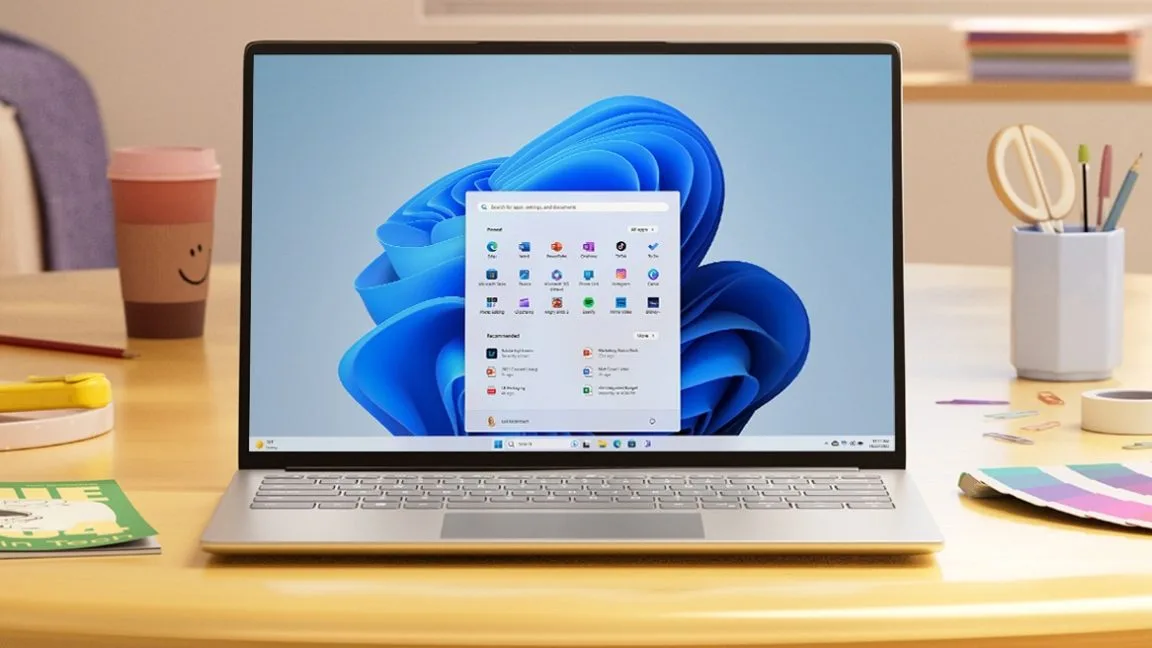
The upcoming Windows 11 quality update aims to address long-standing user frustrations by reducing intrusive AI features and restoring classic customization options. Following months of vocal community feedback, Microsoft has officially outlined a roadmap to refine the operating system's core experience. Windows VP Pavan Davuluri recently published a detailed post titled "our commitment to Windows quality," acknowledging that the development team has spent significant time analyzing user complaints.
This update is highly relevant for PC power users, enterprise IT administrators, and everyday consumers who have hesitated to upgrade from older operating systems. By rolling back forced AI integrations and improving system responsiveness, users can expect a less cluttered, more personalized desktop environment that respects their daily workflow. The changes are scheduled to begin rolling out to Windows Insider Program testers between now and the end of April 2026.
With the October 2025 end-of-support date for Windows 10 now in the rearview mirror, Microsoft is under immense pressure to make its current flagship OS more appealing. The one-year grace period for extended security updates is already halfway over, meaning millions of holdouts will soon be forced to transition. To ease this migration, Microsoft is finally addressing a major regression introduced in 2021: the rigid taskbar. Starting soon, users will once again be able to mount their taskbars to the sides or the top of their displays, a beloved feature from previous Windows iterations.
In a surprising pivot, Microsoft is also pumping the brakes on its aggressive AI rollout. Davuluri stated that the company will be "more intentional" about where its AI assistant appears. The update will specifically reduce unnecessary Copilot entry points across the operating system. This reduction will start with built-in applications like Snipping Tool, Photos, Widgets, and Notepad, which have seen heavy AI integration over the past few years.
Beyond AI and the taskbar, the development team is targeting several everyday annoyances. Microsoft will begin testing less-disruptive Windows updates, giving users more opportunities to temporarily skip them without constant nagging. Additionally, users can expect a faster and more dependable File Explorer, quieter default settings for the Widgets pane, and improved mechanisms for sending feedback through the Windows Insider Program channels.
Broader Performance Goals
While the immediate UI changes are the highlight of the April rollout, Davuluri also provided a comprehensive list of under-the-hood improvements currently in development. These foundational upgrades aim to stabilize the core Windows experience:
- More reliable operation and connectivity for Bluetooth and USB peripherals.
- Faster and significantly more accurate system-wide search functionality.
- Reduced overall memory usage to improve performance on lower-end hardware.
- Enhanced responsiveness for bedrock components, including the Start menu, taskbar, and File Explorer.
My Take
Microsoft's decision to dial back Copilot integration is a massive, albeit necessary, concession to user fatigue. Forcing generative AI into simple utilities like Notepad and Snipping Tool felt desperate, and the telemetry likely showed that users were ignoring or actively disabling these features. The return of the movable taskbar is another clear signal that Microsoft is finally listening to power users rather than dictating workflow. However, it is telling that Davuluri's post completely omitted any mention of the mandatory Microsoft Account sign-in requirement. Microsoft is clearly willing to compromise on interface customization, but they remain entirely unwilling to yield on user data acquisition and ecosystem lock-in.
Frequently Asked Questions
When will these Windows 11 changes be available?
The new features and reductions in AI integration will begin rolling out to Windows Insider Program testers between now and the end of April 2026, before a wider public release.
Can I move the Windows 11 taskbar to the top or sides?
Yes, this upcoming update officially restores the ability to mount the taskbar vertically on the sides or horizontally at the top of the screen, fixing a major limitation introduced at launch.
Is Microsoft removing Copilot from Windows 11?
No, Copilot is not being removed entirely. However, Microsoft is reducing "unnecessary entry points" in built-in apps like Notepad, Photos, and Snipping Tool to make the AI's presence less intrusive.
This article was written by AI from reporting by arstechnica.com.