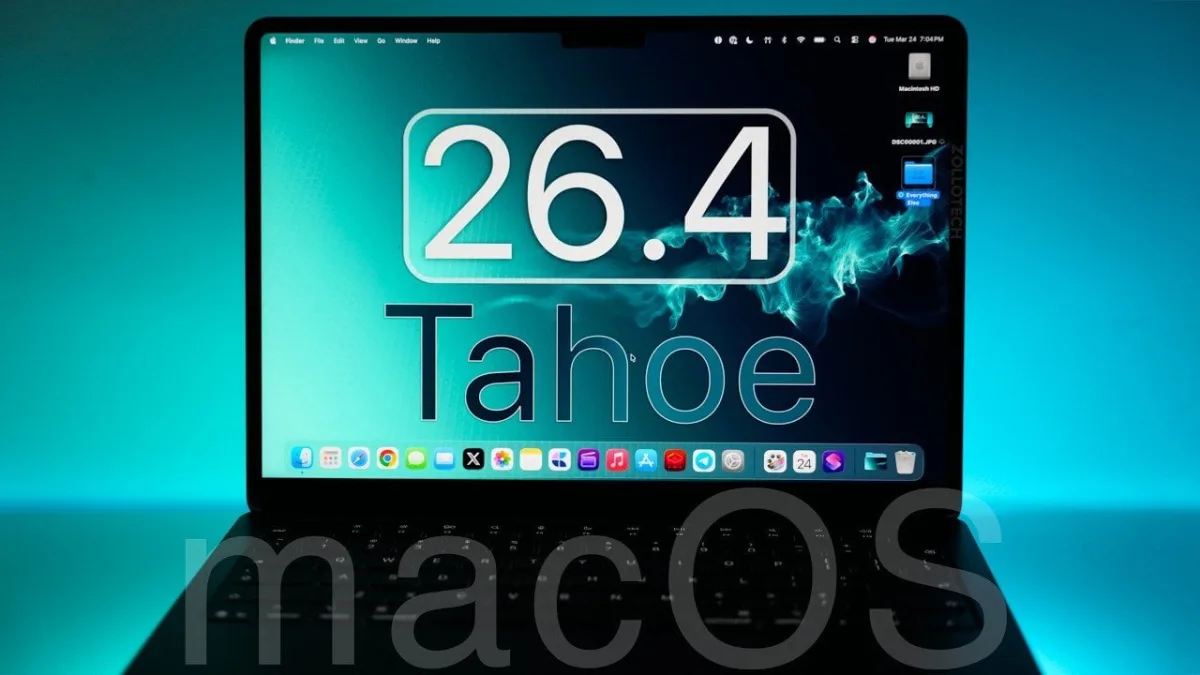
The highly anticipated macOS 26.4 Tahoe update is officially rolling out to supported MacBooks, bringing a highly requested iPhone battery preservation feature directly to your desktop. For users tired of degrading their battery health by leaving their laptops plugged in all day, this release introduces a customizable charge limit alongside significant interface refinements and critical security patches. According to a detailed breakdown by Zollotech, this update is tailored to enhance functionality, efficiency, and security across the entire Apple ecosystem.
This update is essential for both casual users and enterprise professionals relying on Apple Silicon or older Intel machines. By installing the macOS 26.4 update, users can immediately extend the lifespan of their hardware while gaining access to streamlined cross-device workflows. Furthermore, the update fortifies system defenses against emerging threats by addressing vulnerabilities in admin tools, GPU drivers, and iCloud services.
Actionable Guide: Top Features to Try in macOS 26.4
Once your system reboots, you will have access to a variety of new customization options and productivity tools. Apple has focused heavily on refining core applications to ensure a more seamless and intuitive workflow. Here are the primary features you should configure immediately:
- Battery Settings: Navigate to your system settings to enable the new charge limit slider. You can now cap your MacBook’s battery charge between 80% and 100%, which drastically reduces wear for devices that remain plugged in for extended periods.
- Safari: The browser reintroduces the compact tab layout, offering a cleaner and more streamlined interface for users who prefer maximum screen real estate.
- Messages: The update includes the latest Unicode emojis, expanding your communication options for more expressive conversations.
- Reminders: A brand-new "Urgent" smart list has been added to automatically prioritize your most critical tasks and keep them visible.
- Control Center: The interface features a new translucent design update, improving both visibility and overall aesthetic appeal.
- TV App: You can now view real-time previews for subtitle and caption settings, simplifying accessibility adjustments.
- Freeform App: The collaborative app now offers personalized backgrounds and shapes, alongside a refreshed modern icon.
System Settings and iCloud Enhancements
Apple has made several backend updates to System Settings and iCloud, focusing on improving user flexibility and cross-device integration. For families, the new Purchase Sharing update allows adult family members to use their own payment methods for shared purchases within Family Sharing. This provides much-needed financial independence without breaking the family group structure.
Cross-device functionality has also received a major boost. The traditional "Handoff" feature has been renamed and expanded to include iPhone mirroring and new widget options. Additionally, users logging into the iCloud.com portal will find new search and data management tools designed to improve file organization and accessibility.
Power User Tools and Security Patches
For enterprise environments, macOS 26.4 Tahoe introduces updates to declarative configurations and app permissions, simplifying IT administration while locking down managed devices. Power users will appreciate the updated Spotlight Search, which now allows you to explicitly exclude specific file types from search results for greater precision.
Crucially, this update includes a new Rosetta Warning system. Users running older Intel-based apps will now receive notifications highlighting future incompatibility with macOS, strongly encouraging a transition to native Apple Silicon applications. Despite this push forward, Apple has maintained backward compatibility with older macOS versions, such as Sequoia and Sonoma, to facilitate smooth upgrade paths. Performance optimizations ensure consistent battery life and improved stability for Pro apps.
My Take
The release of macOS 26.4 Tahoe signals a definitive shift in how Apple views the lifecycle of its hardware. By finally bringing the 80% battery charge limit to the Mac, Apple is acknowledging the reality of modern hybrid work: millions of users use their MacBooks as desktop replacements, leaving them plugged in 24/7. This single feature will save countless users from premature battery replacements and bloated chassis issues.
Equally telling is the aggressive new Rosetta Warning system. By actively notifying users about the impending obsolescence of Intel-based applications, Apple is preparing the ground for a purely Apple Silicon future. As attention turns toward the expected announcement of macOS 27 at WWDC 2026, and with macOS 26.5 beta releases on the horizon, developers who have been dragging their feet on native Apple Silicon ports are officially out of time.
This article was written by AI from reporting by geeky-gadgets.com.