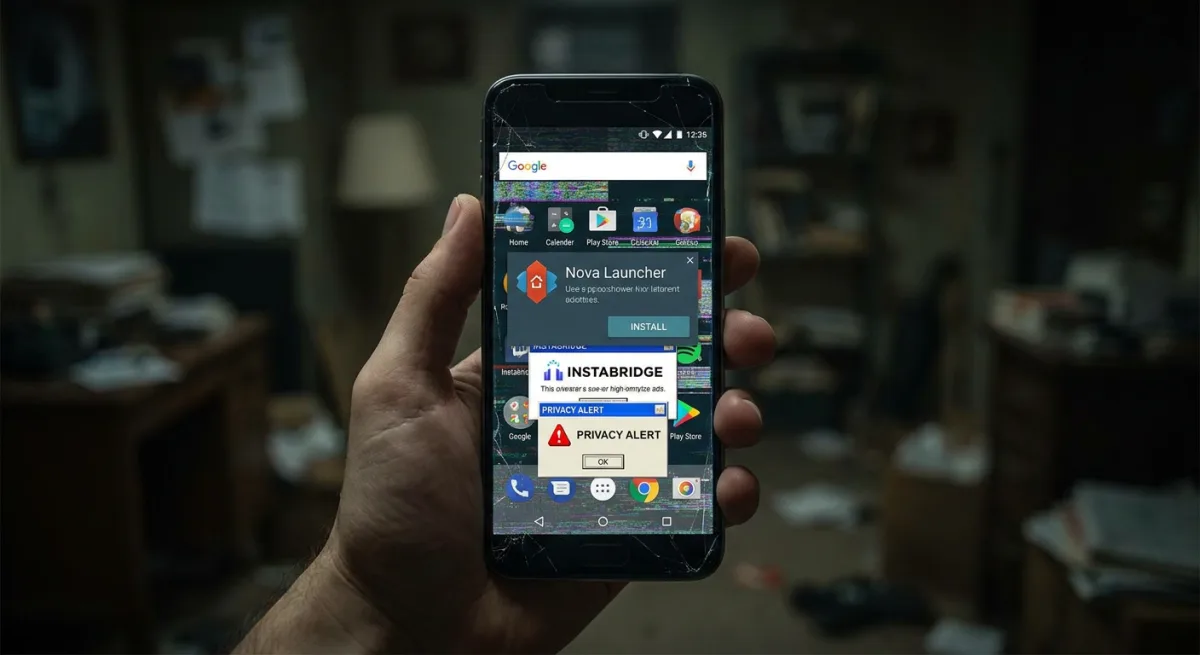
Nova Launcher users are facing a wave of intrusive ads, performance bugs, and privacy concerns following its recent acquisition by Instabridge. If your Android home screen is suddenly cluttered or freezing, you need to take immediate action to secure your device or find a reliable replacement. The once-beloved customization tool has seen its Google Play rating plummet to 3.1 stars across 1.37 million reviews after the original creator stepped away from Branch, the previous parent company.
While the app remains available to download on Google Play for free, the recent updates have fundamentally changed the user experience. Instabridge has introduced aggressive monetization strategies and experimental features that compromise stability. To navigate these changes, follow the actionable steps below to manage your privacy, fix bugs, or migrate to a new launcher.
How to Manage the Nova Launcher Changes
- Understand the changes: The free version now includes large advertisements in the app drawer and home screen.
- Identify privacy risks: A new opt-in AI assistant is being integrated, which requires access to private messages, call logs, and calendar events to function like Gemini or Bixby.
- Recognize bloatware: Recent code reveals a 'Nova Mobile' service, suggesting future integrations for eSIM and internet features.
- Upgrade to the premium version if you want to remain on the platform. This ensures you remove the intrusive ads from your home screen and app drawer, though it will not fix underlying bugs.
- Opt-out of the new AI assistant during any setup prompts. This prevents the app from scanning your private message data and call log information to generate reminders.
- Troubleshoot performance issues by clearing the app cache or avoiding beta versions. This helps mitigate recent bugs like screen freezing, settings menu crashes, and overlapping icons in the app drawer search.
- Switch to an ad-free alternative like Niagara Launcher or Smart Launcher. This enables you to regain a clean, stable Android experience without ad-tracking features or unnecessary bloatware.
- Revert to your phone's stock launcher via the system settings. This provides the highest level of stability, as modern stock launchers have drastically improved and often eliminate the need for third-party offerings.
The Cost of Monetizing a Legacy App
The rapid decline of Nova Launcher highlights the delicate balance between monetizing a free app and alienating a loyal user base. By injecting ads directly into the core navigation areas - and planning an AI assistant that requires deep system access - Instabridge is transforming a lightweight customization tool into a heavy, data-hungry platform.
The discovery of 'Nova Mobile' code is the most telling signal of the company's long-term strategy. It suggests the launcher is being repositioned as a storefront for secondary services like eSIMs, rather than a dedicated home screen replacement. For power users who valued speed and privacy, the era of relying on this specific third-party launcher has effectively ended.
This article was written by AI from reporting by bgr.com.