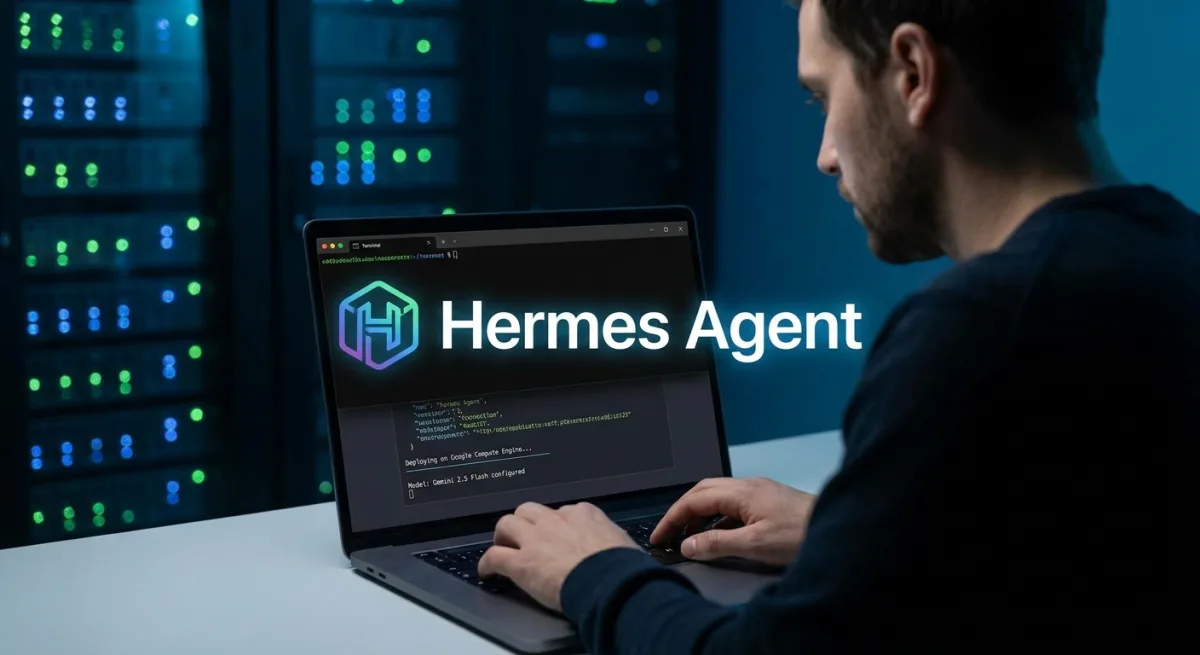
A persistent Hermes Agent Telegram deployment allows developers to build an AI assistant that remembers conversations and executes commands autonomously. Unlike standard chatbots, the open-source Hermes Agent by NousResearch acts as a breathing operating system. It can write Python scripts, manage long-term memory, and stay connected 24/7 through Google Compute Engine (GCE).
To achieve this continuous uptime, deploying the agent on a dedicated cloud virtual machine is essential. This guide breaks down the exact process of provisioning the server, configuring the latest Gemini 2.5 Flash model, and automating the background process.
Prerequisites and GCE Setup
Before starting, ensure you have your Google Cloud project ID and a valid API key from Google AI Studio. The agent requires moderate computing power to handle tool use effectively.
- Provision the Google Compute Engine instance using the following command:
gcloud compute instances create hermes-agent-vm \n --project=YOUR_PROJECT_ID \n --zone=us-central1-a \n --machine-type=e2-medium \n --image-family=ubuntu-2204-lts \n --image-project=ubuntu-os-cloud \n --boot-disk-size=30GB \n --metadata=startup-script='#!/bin/bash\n apt-get update\n apt-get install -y git curl python3-pip python3-venv nodejs npm\n '- SSH into the virtual machine and execute the official installation script:
gcloud compute ssh hermes-agent-vm --zone=us-central1-a\ncurl -fsSL https://raw.githubusercontent.com/NousResearch/hermes-agent/main/scripts/install.sh | bash\nsource ~/.bashrcConfiguring Gemini 2.5 Flash
Hermes defaults to outdated model identifiers, making explicit configuration critical to avoid routing errors. You must manually override the internal auxiliary models.
- Edit the configuration file to specify the exact model without the Google prefix:
model:\n provider: gemini\n default: "gemini-2.5-flash"\nterminal:\n backend: local\ngateway:\n provider: telegram\nauxiliary:\n title_generation: { provider: gemini, model: "gemini-2.5-flash" }\n summarization: { provider: gemini, model: "gemini-2.5-flash" }- Inject your API key and gateway permissions into the environment file:
echo "GOOGLE_API_KEY=YOUR_API_KEY" >> ~/.hermes/.env\necho "GATEWAY_ALLOW_ALL_USERS=true" >> ~/.hermes/.envConnecting Telegram and Systemd Persistence
To ensure the agent remains active after disconnecting from SSH, you must configure a system service. This guarantees the gateway restarts automatically if it crashes.
- Create the Systemd service file:
[Unit]\nDescription=Hermes Agent Gateway\nAfter=network.target\n\n[Service]\nType=simple\nUser=root\nEnvironment=HOME=/root\nEnvironment=PYTHONUNBUFFERED=1\nExecStartPre=/usr/bin/pkill -9 -f hermes || true\nExecStart=/usr/local/lib/hermes-agent/venv/bin/hermes gateway run\nRestart=always\nRestartSec=10\n\n[Install]\nWantedBy=multi-user.target- Enable and start the background process:
sudo systemctl daemon-reload\nsudo systemctl enable hermes\nsudo systemctl restart hermesTroubleshooting Common Deployment Errors
- The 404 Model Not Found Error: Hermes hardcodes older preview models for auxiliary tasks. You must manually override the title generation and summarization models to Gemini 2.5 Flash in the YAML file.
- Prefix Confusion: Avoid using the "google/" prefix in the model identifier. Using the short name prevents API routing failures.
- Process Conflicts: If the gateway is already running, Systemd will fail. Adding a pre-start kill command ensures a clean boot environment.
The Shift Toward Autonomous Cloud Agents
The transition from simple chatbots to OS-level agents like Hermes represents a significant leap in AI utility. By granting an agent the ability to execute shell commands and manage long-term memory, developers are creating digital twins rather than just conversational interfaces.
However, this deployment highlights a critical bottleneck in modern AI development: framework rigidity. As models like Gemini 2.5 Flash iterate rapidly, hardcoded dependencies in open-source tools frequently break. Relying on explicit configuration overrides, rather than default settings, is now a mandatory practice for maintaining stable cloud deployments.