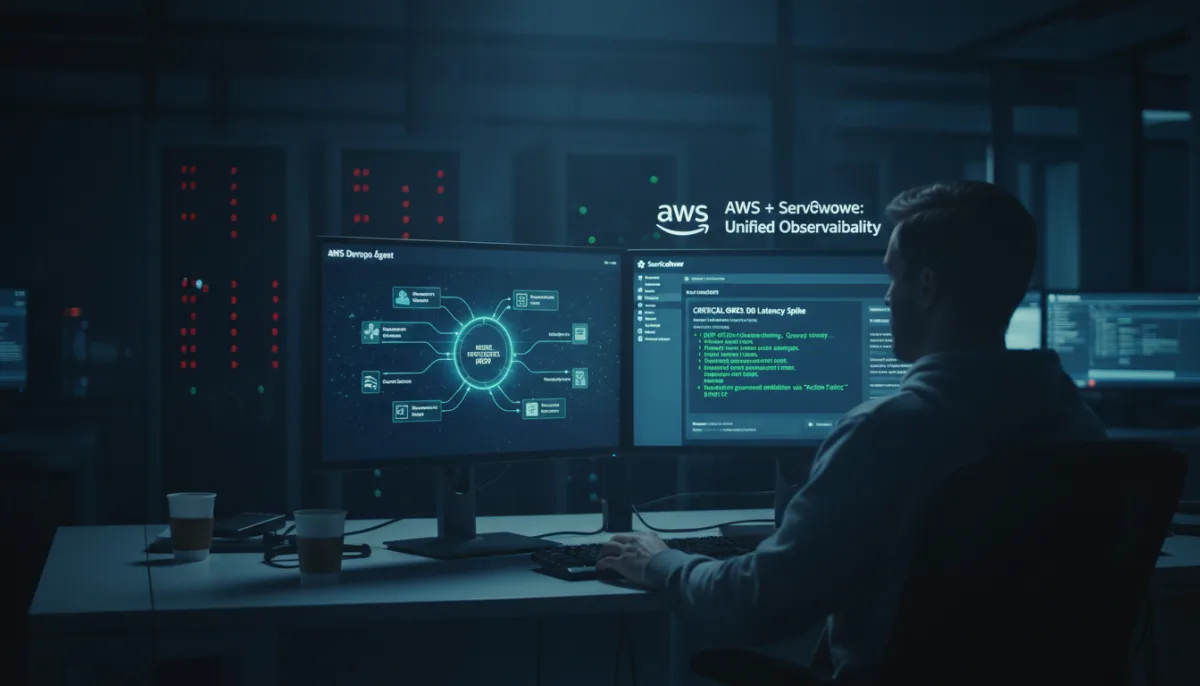
Enterprise engineering teams managing applications on AWS often lose critical time context-switching between observability tools and IT service management (ITSM) systems during outages. The new integration between AWS DevOps Agent and ServiceNow leverages the Model Context Protocol (MCP) to eliminate this friction, enabling autonomous incident investigation and resolution directly within the application environment.
Designed specifically for Site Reliability Engineers (SREs) and IT operations teams, this automated workflow drastically reduces Mean Time To Resolution (MTTR). By correlating telemetry data and executing governed mitigation actions without manual intervention, teams can shift their focus from tedious data gathering to strategic infrastructure improvements.
Understanding the MCP and Action Fabric Integration
The integration connects ITSM workflows with automated incident response through MCP, an open standard for AI agent-to-tool communication. The ServiceNow MCP Server Console acts as the governance layer, controlling exactly what the AWS DevOps Agent can see and do through tool-level scoping, access control lists (ACLs), and role masking.
When an incident triggers the AWS DevOps Agent, it automatically correlates telemetry from Amazon CloudWatch, deployment data, and code changes. It then queries ServiceNow for related incidents and Configuration Management Database (CMDB) context. Finally, it writes root cause analyses directly into the ServiceNow incident and executes authorized actions via ServiceNow Action Fabric, with all interactions securely logged by the ServiceNow AI Control Tower.
Prerequisites for Integration
Before configuring the integration, ensure your environment meets the following requirements:
- An AWS account with permissions to create AWS Identity and Access Management (IAM) roles (specifically, an AWS DevOps Agent Space role and a Web app role).
- Active access to the AWS DevOps Agent.
- A ServiceNow instance with administrator access.
- A ServiceNow MCP Server configured and accessible via an AI Native subscription (Foundation, Advanced, or Prime) or the standalone MCP add-on.
Step 1: Configure the ServiceNow MCP Server
The first phase involves exposing ServiceNow capabilities to the agent through the MCP Server Console.
- Navigate to the MCP Server Console within your ServiceNow instance.
- Create a new MCP Server or select an already provisioned server.
- Add specific Tools for the capabilities the agent requires, such as incident read/update, CMDB queries, or change request creation. Scope each tool with strict ACLs and role masking.
- Configure inbound authentication for the MCP Server by setting up an OAuth Client Credentials grant.
Step 2: Create an AWS DevOps Agent Space
Next, define the scope of AWS resources the agent will monitor by creating an Agent Space.
- Access the AWS DevOps Agent console.
- Select Create Agent Space, provide a descriptive name, and configure the required IAM roles using either the automated or manual setup process.
- Confirm the successful creation of the AWS DevOps Agent Space.
Step 3: Register the Server in AWS
With both environments prepared, you must register the ServiceNow MCP Server to enable dynamic tool discovery.
- Navigate to Capability Providers in the AWS DevOps Agent console. Under the MCP Server section, select Add source, then choose Register New MCP Server.
- Enter your ServiceNow MCP Server endpoint URL in the provided field:
https://<instance>.service-now.com/sncapps/mcp-server/mcp/<server_label>- Select OAuth Client Credentials as the authorization flow. Enter the Client ID, Client Secret, and the Exchange URL obtained during Step 1:
https://<instance>.service-now.com/oauth_token.do- Submit the registration. The AWS DevOps Agent will validate the connection and discover available tools. Select the specific tools to add to your Agent Space.
- Confirm that the MCP Server is successfully associated and the tools are connected.
Testing and Automating the Workflow
To verify the integration, you can perform a manual test directly from the AWS console.
- Navigate to Operator Access within your AWS DevOps Agent Space.
- Open a new chat window and type a prompt such as: "Can you show me all the incidents in the past week from ServiceNow?"
- Verify that the agent successfully calls the ServiceNow tools and returns the correct data.
For full automation, you can create a Business Rule in ServiceNow. This allows the creation of a new incident to automatically trigger the AWS DevOps Agent. By the time an SRE reviews the ticket, the agent will have already populated it with root cause analysis, related changes, and a proposed mitigation plan.
Resource Cleanup
To avoid incurring unnecessary charges, ensure you clean up your resources if you disable the integration.
- Delete your Agent Space from the AWS DevOps Agent console.
- Remove the ServiceNow MCP Server connection from your AWS settings.
- Delete the IAM roles created specifically for the Agent Space.
- Disable the MCP Server configuration within your ServiceNow instance.
The End of Rogue AI in Enterprise IT
The true breakthrough of this integration is not just the automation of incident response, but the strict governance model it introduces. Historically, giving an AI agent write-access to production environments or ITSM platforms has been a massive security risk. By routing the AWS DevOps Agent through the ServiceNow Action Fabric and utilizing OAuth 2.0, organizations can finally deploy autonomous agents that strictly adhere to existing ITIL compliance and ACLs.
This implementation of the Model Context Protocol (MCP) signals a major shift in how enterprise software interacts with generative AI. Instead of building custom, brittle API integrations for every new AI tool, MCP provides a standardized, secure handshake. As ServiceNow expands its NowAssist Skills, the AWS DevOps Agent will dynamically discover these new capabilities without requiring manual reconfiguration, effectively future-proofing your automated operations.
This article was written by AI from reporting by aws.amazon.com.