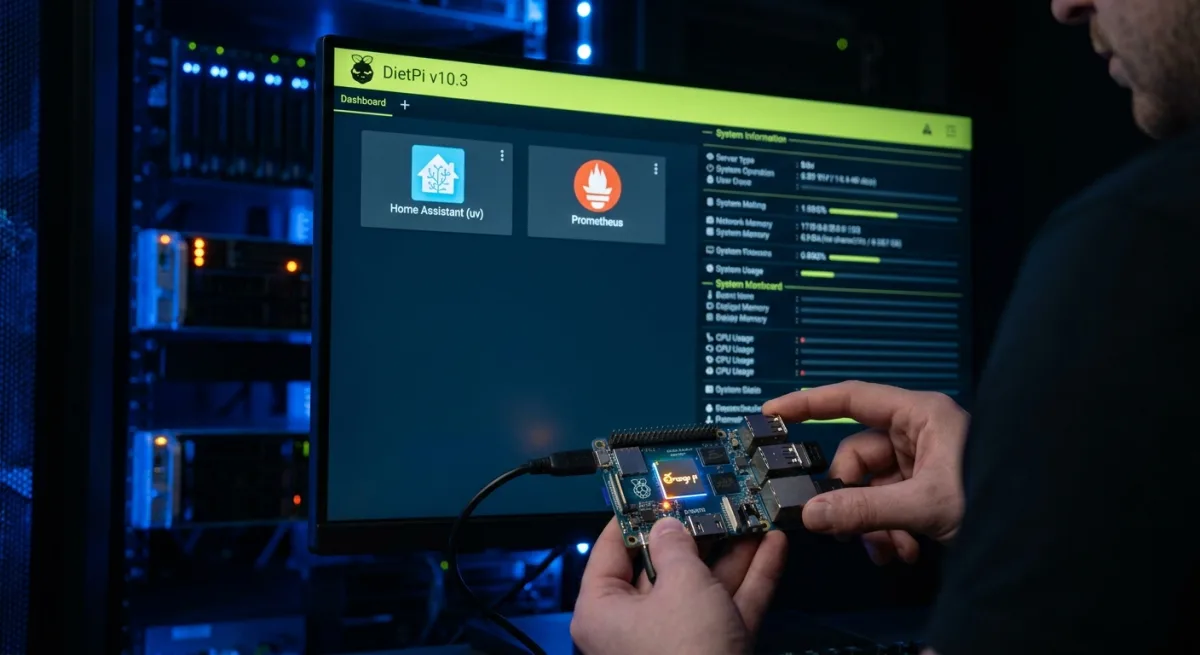
For single-board computer enthusiasts and homelab builders looking to maximize hardware efficiency, the newly released DietPi v10.3 update delivers crucial performance upgrades. By introducing support for the Orange Pi 4 LTS and migrating Home Assistant to a significantly faster Python environment, this release streamlines system management for lightweight deployments. The April 2026 update focuses heavily on improving system reliability, storage management, and software installation workflows across supported platforms.
Hardware Expansion and New Software Tools
The latest release officially brings the Orange Pi 4 LTS, powered by the Rockchip RK3399 SoC, into the supported hardware ecosystem, complete with updated system images. On the software front, the open-source monitoring toolkit Prometheus has been added to the DietPi catalog. This addition allows users to seamlessly collect and visualize system metrics through a dedicated web interface. Conversely, QuiteRSS has been removed from the software catalog due to outdated dependencies and its recent deprecation in newer Debian releases.
System Enhancements and the Home Assistant Upgrade
One of the most impactful changes in DietPi v10.3 is the migration of Home Assistant from pyenv to uv for Python environment management. This architectural shift drastically reduces installation times and resource consumption while simplifying future updates. Storage management also sees major improvements, as the DietPi-Drive_Manager now features a USB auto-mount capability using udev rules to automatically handle external storage devices.
Furthermore, the drive manager now modifies only the relevant entries within the system configuration rather than recreating the entire file, preserving custom user setups. This is handled specifically in:
/etc/fstabDisplay support has also been expanded for Odroid C1 and XU4 systems, which can now be configured directly via:
/boot/boot.iniAdditionally, the DietPi-AutoStart utility now includes an Amiberry-Lite autostart option, allowing for earlier service initialization during the boot sequence.
Critical Bug Fixes Across Platforms
The update addresses several hardware-specific and system-level bugs that previously hindered performance. Key fixes include:
- Allwinner H5/H6: Resolved a U-Boot regression that incorrectly limited CPU usage to a single core.
- Rockchip RK356x: Fixed intermittent PCIe detection issues affecting SSDs and network adapters.
- Orange Pi Zero 2W: Restored Ethernet functionality that broke following recent kernel updates.
- System Utilities: Corrected DietPi-AutoStart service handling when switching boot modes, and fixed DietPi-Config to properly handle WiFi SSIDs containing spaces.
- DietPi-Dashboard & Home Assistant: Resolved software page display errors under non-English locales and fixed Home Assistant backup restoration issues tied to the old Python environment.
Additional details regarding the complete changelog are available in the project's official GitHub repository.
The Shift Toward Modern Python Tooling
The decision to swap pyenv for uv in Home Assistant deployments is a massive win for the DietPi community. Single-board computers often struggle with the heavy compilation and environment setup times required by complex Python applications. By adopting uv, DietPi v10.3 directly addresses this bottleneck, making smart home hubs significantly faster to deploy and update on low-power hardware.
Furthermore, the continued expansion of hardware support to boards like the Orange Pi 4 LTS ensures that users have viable, cost-effective alternatives in the SBC market. As lightweight operating systems continue to evolve, prioritizing efficient package management and broad hardware compatibility will remain the defining factors for success in the homelab space.