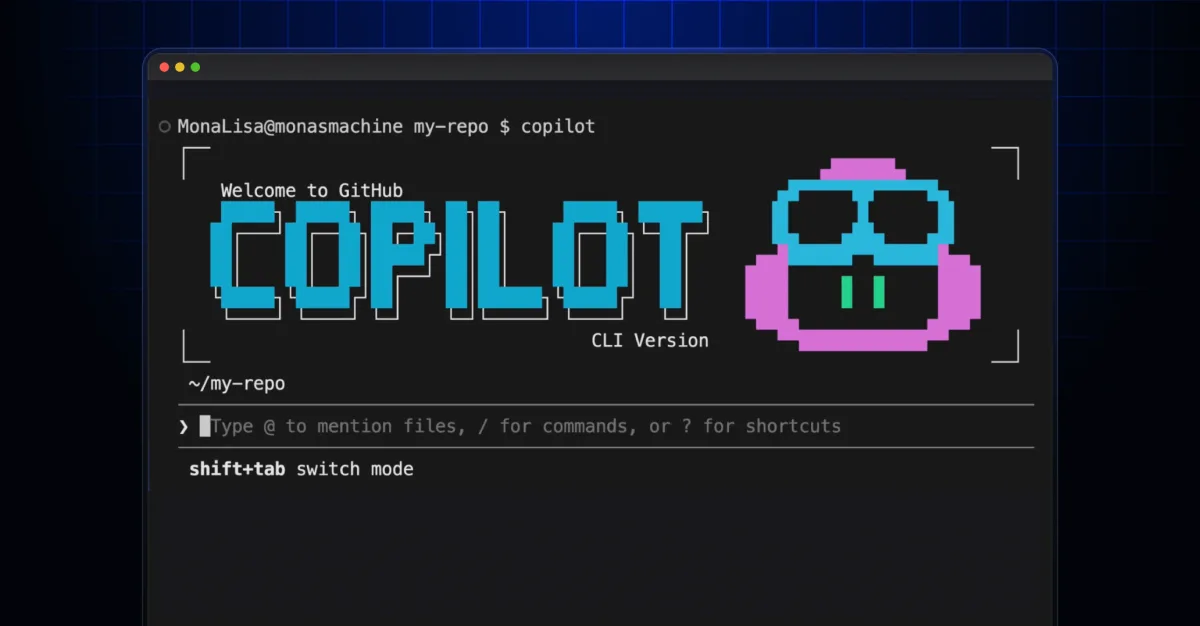
Formatting social media posts and release notes with the perfect emojis is a tedious task that breaks developer flow. To solve this, the GitHub team recently showcased how to build a custom Emoji List Generator directly in the terminal using the GitHub Copilot CLI. This project, developed during their Rubber Duck Thursdays stream, demonstrates how quickly developers can prototype functional tools using agentic AI.
How the Emoji List Generator Works
The open-source tool is designed to be fast and frictionless. Users simply run the application in their terminal, paste or type a standard bulleted list, and press the keyboard shortcut Ctrl + S. The application instantly processes the text, replaces standard bullet points with contextually relevant emojis, and automatically copies the final result to the user's clipboard.
To achieve this, the development team utilized a modern, lightweight tech stack. The terminal user interface is powered by the @opentui/core library, while clipboard access is handled by the clipboardy package. The core artificial intelligence capabilities are driven by the @github/copilot-sdk, which intelligently analyzes the text to select the most appropriate emojis.
Prototyping with Multi-Model AI Workflows
The most compelling aspect of this project is the development process itself, which relied heavily on the GitHub Copilot CLI multi-model capabilities. The team began in Plan mode using Anthropic's Claude Sonnet 4.6 model. They provided the following natural language prompt:
I want to create an AI-powered markdown emoji list generator. Where, in this CLI app, if I paste in or write in some bullet points, it will replace those bullet points with relevant emojis to the given point in that list, and copies it to my clipboard. I'd like it to use GitHub Copilot SDK for the AI juiciness.After asking clarifying questions about the preferred tech stack, Copilot generated a comprehensive plan.md file. For the actual code implementation, the team switched to the newly released Claude Opus 4.7 model. This allowed them to move from concept to a working terminal UI in just minutes.
Key Copilot CLI Features Utilized
Building this application leveraged several advanced features within the GitHub ecosystem. Developers looking to replicate this workflow should explore the following tools:
- Plan Mode: Used to architect the application and generate the initial markdown plan.
- Autopilot Mode: Enabled autonomous code generation and implementation.
- Multi-model Workflow: Seamlessly switching between Claude Sonnet 4.6 for planning and Claude Opus 4.7 for execution.
- The allow-all Flag: A permissive tool option that grants the CLI broader access to execute commands.
- GitHub MCP Server: Utilized for enhanced context and integration during the build process.
The Era of Disposable, Hyper-Personalized Tools
The creation of the Emoji List Generator highlights a significant shift in software development: the rise of disposable, hyper-personalized utilities. In the past, building a custom CLI tool just to format social media posts would be an unjustifiable time sink. Now, with tools like the GitHub Copilot CLI and the Copilot SDK, the barrier to entry is nearly zero.
By combining specialized models - using Claude Sonnet 4.6 for rapid architectural planning and Claude Opus 4.7 for precise coding - developers can solve micro-frictions in their daily workflows in minutes. This multi-model approach proves that AI is no longer just an autocomplete feature; it is an agentic partner capable of handling the entire lifecycle of micro-applications.
This article was written by AI from reporting by github.blog.