Apple is officially rolling out macOS Golden Gate Beta 5 to developers, bringing a massive wave of AI-driven features and UI refinements to the Mac ecosystem. If you have been waiting for a more capable desktop assistant or a cleaner visual experience, this update introduces the highly anticipated Siri AI and the new Liquid Glass design language.
The visual overhaul in macOS 27 focuses heavily on readability and workspace management. Apple has refined the Liquid Glass aesthetic, introducing an opacity slider that gives users precise control over window transparency. Shadowing adjustments make active windows instantly recognizable, while apps now feature uniform toolbars, edge-to-edge sidebars, and sharper, less rounded corners to maximize screen real estate.
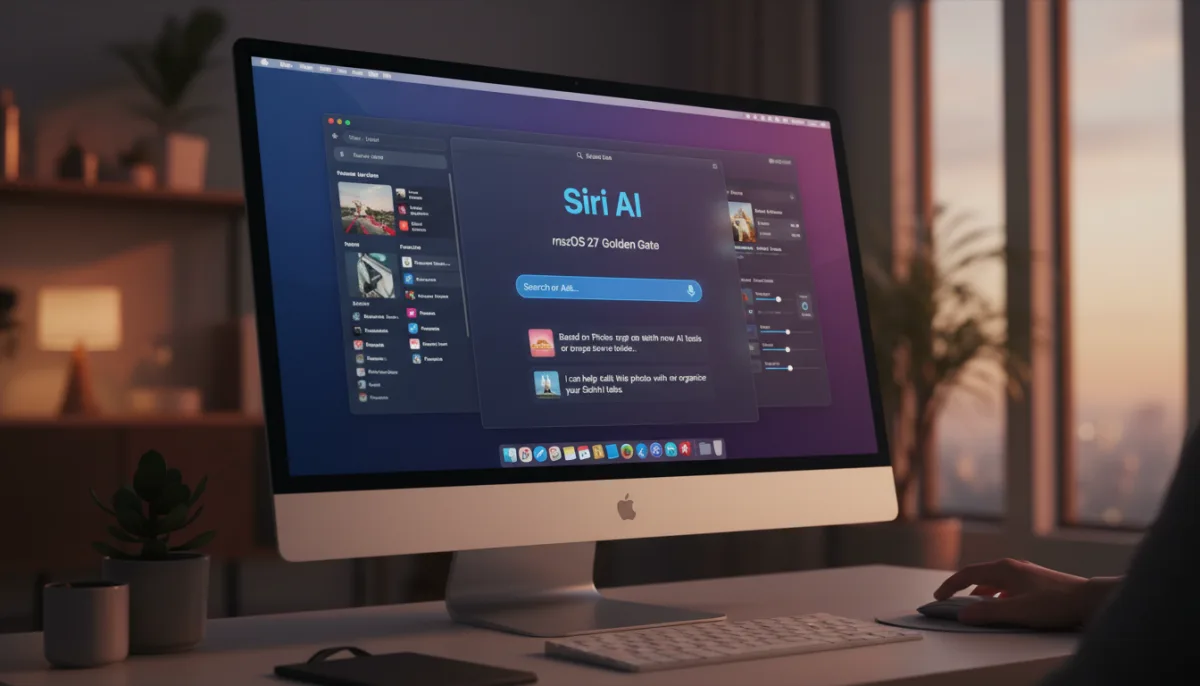
The standout addition is the complete transformation of the voice assistant into Siri AI. Now functioning as a chatbot-style assistant integrated directly into Spotlight, it combines general world knowledge with personal data and onscreen awareness. Users can interact via a new Search or Ask interface, or use a dedicated Siri app to review past conversations. On newer Macs, Siri also supports custom voices with adjustable pace and expressivity.
How to Download macOS Golden Gate Beta 5
To access the latest developer beta, ensure your Mac is registered with a free Apple developer account. Follow these steps to install the update:
- Open System Settings on your Mac.
- Navigate to General, then select Software Update.
- Ensure that Beta Updates are enabled and select the macOS 27 developer beta.
- Click download and allow your system to restart.
New AI Tools Across the System
Beyond the core interface, Beta 5 integrates Apple's Visual Intelligence directly into the Mac, allowing Siri to analyze and answer questions about your active screen. Additional system-wide AI enhancements include:
- Write with Siri: Generates text and provides real-time feedback on your writing.
- Photos App: Introduces new AI-powered photo editing tools.
- Safari: Features automated AI tab organization for cleaner browsing.
- Passwords App: Adds an option to use AI to automatically detect and update weak passwords.
- Image Playground: A revamped app dedicated to generating photorealistic images.
The Desktop AI Race Heats Up
The integration of Siri AI and Visual Intelligence in macOS Golden Gate Beta 5 signals a fundamental shift in how Apple views desktop computing. By embedding a chatbot-style assistant directly into Spotlight and giving it onscreen awareness, Apple is directly challenging Microsoft's Windows Copilot. The ability for Siri to "see" what is on your screen bridges the gap between a simple voice assistant and a true contextual workspace partner.
Furthermore, the decision to include AI-driven password updates and automated tab organization shows that Apple is focusing on frictionless utility rather than just generative gimmicks. As we approach the final public release this fall, the success of macOS 27 will likely hinge on how well these on-device AI features perform on older Apple Silicon hardware compared to the latest M-series chips.