Samsung Galaxy users are receiving a substantial upgrade with the rollout of the Samsung One UI 9 update, which quietly transforms everyday performance and device security. While the visual tweaks are immediately noticeable, the real value lies in aggressive new anti-theft measures and deeper AI integration that fundamentally change how the device operates. The update blends subtle design enhancements with practical functionality, though it leaves a few long-requested features on the cutting room floor.
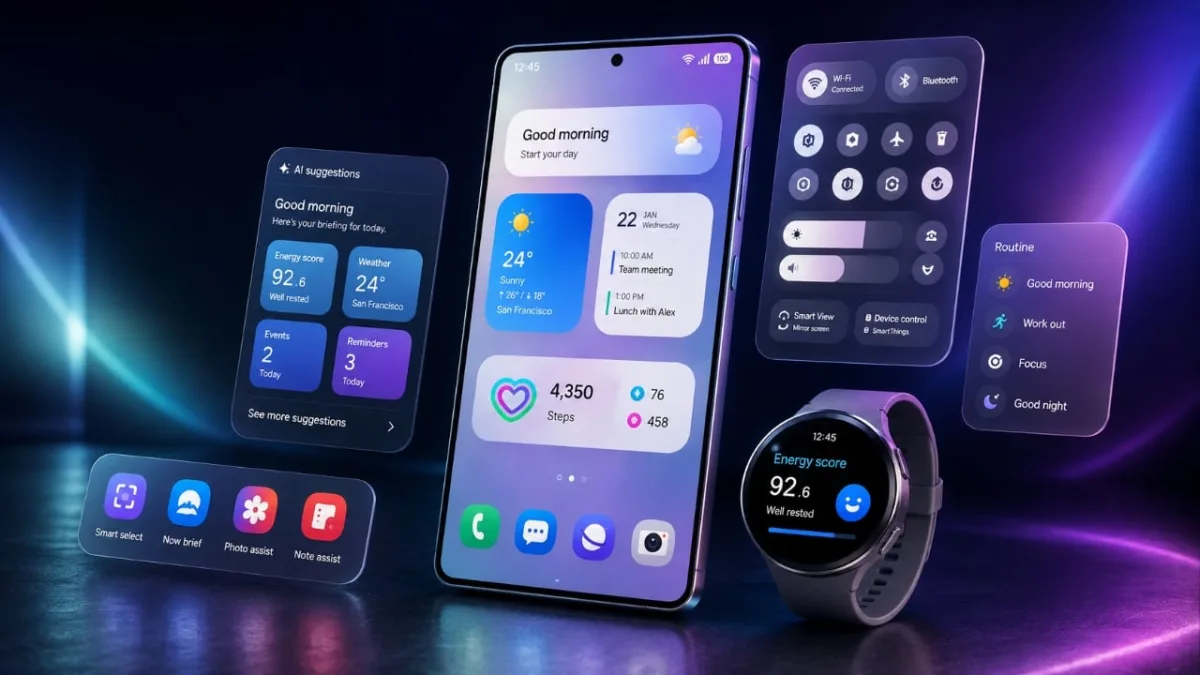
Visually, the interface introduces smoother animations that enhance the fluidity of daily interactions, alongside a modernized semi-transparent app drawer search bar. The quick settings panel has been thoughtfully redesigned, featuring thicker brightness and volume sliders for precise adjustments. Users can now fully customize toggle placements for frequently used features, while the updated media player adopts circular buttons and dynamically matches its colors to the current album art.
Aggressive Security and Privacy Measures
Security is the central pillar of this release, introducing strict protocols to deter unauthorized access. The system now enforces increased waiting times for incorrect PIN attempts to thwart brute-force attacks. More drastically, the device will automatically trigger a factory reset after 13 consecutive incorrect PIN entries, ensuring sensitive data remains out of the hands of thieves.
For high-risk situations, a new lockdown mode has been added to the power menu, which instantly disables all biometric unlocks. Furthermore, the integration of the Android 17 operating system introduces a persistent blue location indicator in the status bar. This visual cue provides immediate transparency whenever an app is actively tracking the device's location.
App Upgrades and AI Enhancements
According to a detailed breakdown by Beebom, several core applications have received significant functional upgrades to boost both productivity and entertainment. Artificial intelligence also plays a larger role, with customizable Now Brief cards delivering tailored information and an AI assistant activity page providing transparency into automated background processes.
- Camera: Now supports vertical split video recording and expanded frame rate options in Pro mode.
- Game Booster: Introduces bypass charging to reduce heat during gameplay and adds screenshot resolution adjustments.
- Samsung Notes: Users can now hide and reveal specific sections of their notes, streamlining study sessions.
- Samsung DeX: Adds a desktop preview feature for better multitasking.
- Phone App: Now natively supports calls from third-party applications like WhatsApp and Google Meet.
- My Fan Cam: An AI-driven feature that automatically reframes videos to keep specific individuals in focus.
What Samsung Left Out
Despite the comprehensive overhaul, the update omits several highly requested utilities. Users looking for granular system control will notice the absence of native internet speed meters for real-time network monitoring and dedicated battery health monitoring tools. Additionally, the system still lacks native app locks for individual application security and dual apps functionality for managing multiple accounts on the same device.
The Shift Toward Invisible Utility
The Samsung One UI 9 update signals a clear shift in the company's software philosophy: prioritizing invisible utility over flashy gimmicks. The implementation of the 13-attempt PIN auto-reset is a bold, necessary step in an era where smartphone theft often targets digital wallets rather than the hardware itself. By tying this together with the Android 17 location indicator, Samsung is building a highly defensive operating system.
Equally telling is the introduction of Bluetooth-triggered driving analytics, which silently tracks commute times and generates weekly safety reports. This proves that modern OS updates are no longer just about changing icon shapes or transition speeds; they are about turning the smartphone into a passive guardian of both digital identity and physical safety. While the missing battery health tools are a glaring omission, the foundation laid here makes Galaxy devices significantly more resilient.
This article was written by AI from reporting by geeky-gadgets.com.