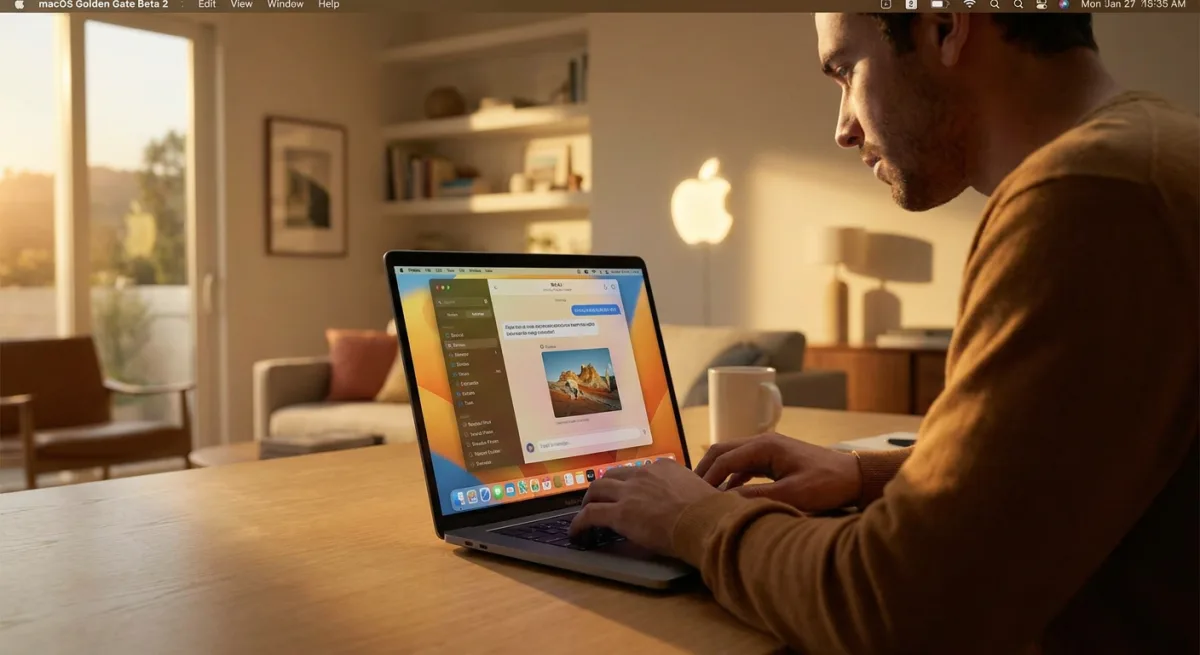
Apple has officially released the macOS Golden Gate Beta 2 update to developers, arriving exactly two weeks after the initial WWDC 2026 rollout. This latest build refines the massive artificial intelligence overhaul and user interface changes introduced in the first beta. For early adopters, it offers a much more stable look at the future of the Mac ecosystem before the public beta arrives in July.
How to Install macOS Golden Gate Beta 2
To access the new features, you must have a free Apple developer account linked to your Apple ID. Follow these steps to initiate the over-the-air (OTA) update:
- Open the System Settings app on your Mac.
- Navigate to the General section, then click on Software Update.
- Ensure that Beta Updates are enabled for your Apple ID.
- Select the macOS Golden Gate developer beta and click download.
Siri AI and Visual Intelligence Integration
The standout upgrade in macOS Golden Gate is the complete transformation of the voice assistant into a chatbot-style interface dubbed Siri AI. This new iteration combines general world knowledge with your personal data and onscreen awareness. Siri now lives directly inside Spotlight, accessible via a revamped Search or Ask interface.
Apple has also introduced a dedicated Siri app, allowing users to chat via text and review past conversation histories. On newer Mac models, users can even configure a custom voice for Siri, adjusting both the pace and expressivity of the assistant. Furthermore, Visual Intelligence has made the jump to the Mac, enabling Siri to analyze and answer questions about whatever is currently visible on your screen. A new Write with Siri tool also allows the assistant to generate text or provide real-time feedback on your writing.
Liquid Glass UI and Smart App Features
Beyond the assistant, macOS Golden Gate introduces significant design tweaks, most notably the refined Liquid Glass aesthetic. Apple has improved the opacity of this design language to boost readability, adding a dedicated slider to control transparency levels. Window shadowing has also been adjusted to clearly indicate which application is currently active.
The broader user interface now features uniform toolbars, edge-to-edge sidebars, and sharper window corners. Apple has also decluttered the menu bar by reducing the number of default icons. Across native apps, AI is heavily integrated: the Photos app gains new AI editing tools, Safari introduces AI-driven tab organization, and the Passwords app can now use AI to automatically update weak credentials. Additionally, the Image Playground app has been revamped to generate photorealistic images directly on the device.
The Silicon-Only Era Begins
The release of macOS Golden Gate marks a definitive turning point for Apple's desktop ecosystem, as it is the first operating system completely incompatible with Intel-based Macs. With macOS 26 Tahoe serving as the final stop for Intel machines, Golden Gate requires an M-series chip or the new A18 Pro found in the MacBook Neo.
This aggressive hardware cutoff is not just a routine transition; it is a necessary foundation for the heavy on-device processing required by Siri AI and Visual Intelligence. By dropping legacy Intel support, Apple no longer has to build fallback versions of its operating system. This allows developers to fully optimize their apps for the Neural Engine, ensuring that features like photorealistic Image Playground generation run seamlessly without draining system resources.