

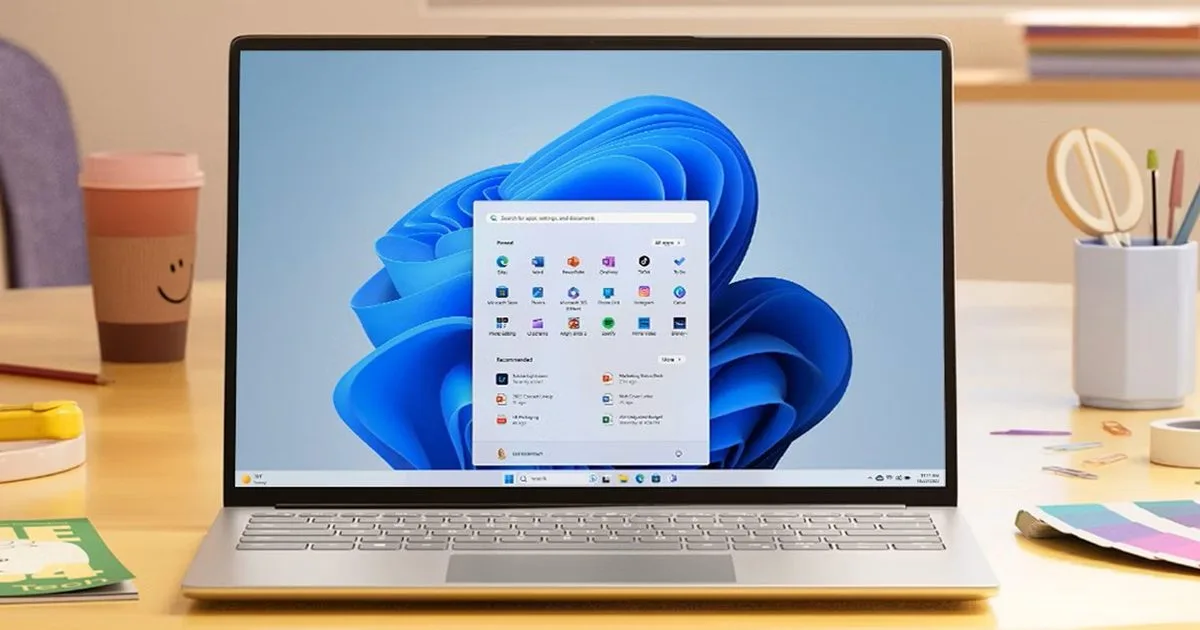
The Windows 11 June update finally addresses the frustrating one-to-two-second delay users experience when clicking the Start button. Rolled out on June 9, 2026, for versions 24H2 and 25H2, update KB5094126 introduces a new CPU boost technique designed to eliminate shell responsiveness issues that have plagued the operating system since its 2021 launch.
The headline change is the broad rollout of the Low Latency Profile, a feature Microsoft previously tested in the May 26 preview build. When you interact with core system features like the Start menu, Search, Action Center, or taskbar flyouts, this profile briefly spikes the CPU frequency to its maximum for one to three seconds. This short burst provides immediate responsiveness without meaningfully impacting battery life or thermals.
According to Zac Bowden / X, system flyouts can open up to 70% faster, and core apps launch up to 40% quicker. These performance gains are especially noticeable on older or lower-spec machines that barely met the original hardware requirements.
Beyond the Start Menu: New Features
The June 2026 Windows 11 update also introduces several quality-of-life improvements across the operating system:
- Shared Audio: Two people can now listen to audio from a single PC simultaneously using Bluetooth LE Audio.
- NPU Monitoring: The Windows Task Manager features new columns to track Neural Processing Unit usage during on-device AI tasks.
- Camera Access: Multiple applications can now access the same camera stream at the same time.
- Enhanced Search: Windows Search can now locate local files using as few as two characters.
- Custom Setup: Windows Setup allows users to choose a custom user folder name during the initial installation.
- Windows Hello: The biometric system consistently falls back to face or fingerprint-based sign-in after alternative methods are used.
Why You Should Install KB5094126 Immediately
Beyond the performance boosts, you should not hold off on installing this patch. The June 2026 Patch Tuesday release includes critical fixes for more than 200 security vulnerabilities. To apply the update, open your Settings app, navigate to Windows Update, and check for available downloads to ensure your system is both fast and secure.
A Long-Overdue Fix for Minimum Spec Machines
The introduction of the Low Latency Profile is a tacit admission from Microsoft that Windows 11's baseline hardware requirements were never quite enough to guarantee a smooth experience. By forcing a temporary CPU spike for basic UI interactions, Microsoft is applying a brute-force software solution to a persistent hardware optimization problem.
While high-end gaming rigs likely will not notice the 70% faster flyout speeds, this update is a massive win for budget laptops and enterprise machines that have felt sluggish since upgrading from Windows 10. It proves that optimizing the shell experience is just as crucial as adding flashy new AI features.
