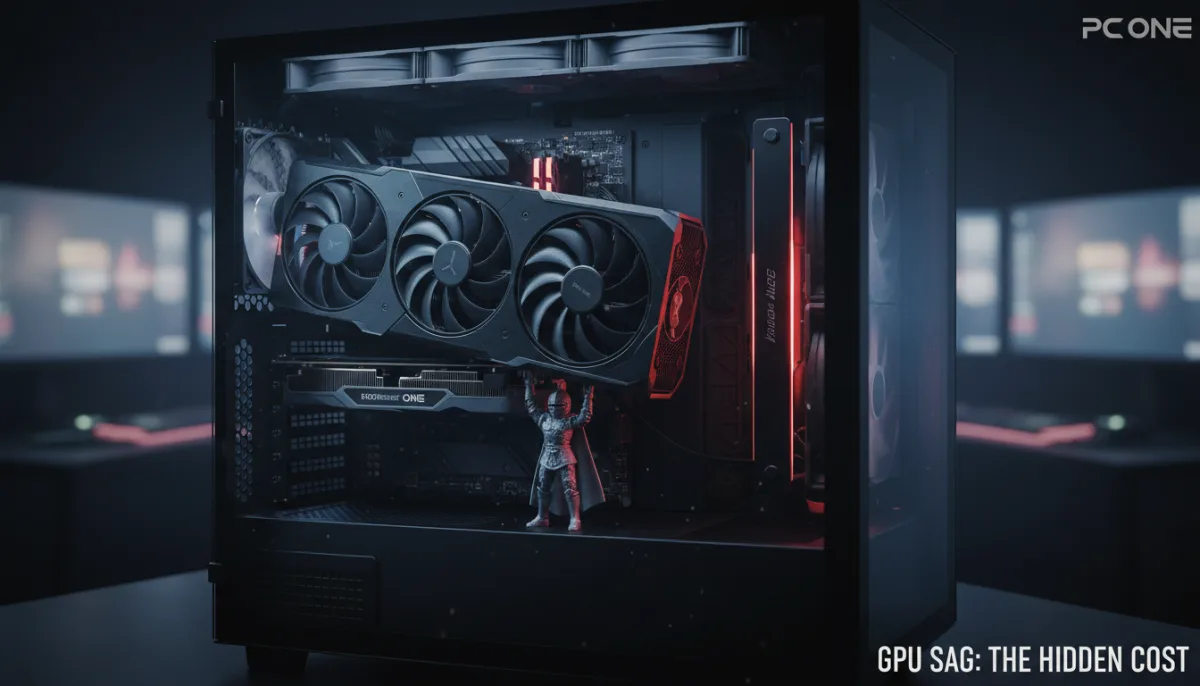
Modern graphics cards are growing heavier with each generation, putting immense physical strain on your motherboard's PCIe slot. As processing chips become more advanced, they draw significantly more power and generate excess heat, requiring massive cooling shrouds to maintain performance. While the PC case secures the rear of the card, the front is often left hanging unsupported.
If left unchecked, this uneven weight distribution causes GPU sag. When a heavy card droops at the front, it pulls down on the connector and physically warps internal components. Over time, this stress can permanently damage the PCIe slot, disrupt airflow inside the case, and lead to severe hardware failures, including graphical artifacts and system crashes.
The risk is well-documented within the PC building community. Retailers like PC One have previously issued warnings regarding the damage caused by unsupported heavy cards, a phenomenon highlighted in reports by VideoCardz. Cards weighing over two pounds, or extended models featuring three fans and 12GB of VRAM or more, are particularly vulnerable to sagging.
How to Prevent GPU Sag and Protect Your Hardware
Fortunately, safeguarding your expensive components does not require a massive investment. Implementing a support system is a straightforward process that instantly restores balance to your build.
- Install a Dedicated Sag Bracket: Purpose-built GPU support brackets are available on Amazon for as little as $4 to $5. These adjustable braces sit below the front edge of the card, providing immediate stability. Premium versions even include RGB lighting or temperature readouts.
- Check Your Included Accessories: Before purchasing a bracket, check your PC case and graphics card packaging. Many manufacturers now include matching support stands or reinforced brackets in the box for their heavier models.
- Use Creative Stand-ins: If you need an immediate fix, household items work perfectly. PC builders frequently use 3D-printed stands, action figures, or small models to prop up the card, adding a personalized aesthetic touch to the case.
- Mount the GPU Vertically: If your PC case supports it, using a PCIe riser cable to mount the graphics card vertically completely eliminates the risk of sagging by shifting the weight distribution away from the motherboard.
The Hidden Cost of Massive Coolers
The necessity of a $5 piece of plastic to save a $1,000 graphics card highlights a glaring flaw in the current ATX motherboard standard. The traditional horizontal PCIe mounting system was designed decades ago for lightweight, single-slot expansion cards, not the three-slot, brick-sized behemoths dominating today's market.
While manufacturers are attempting to mitigate this by reinforcing PCIe slots with metal shielding, physics ultimately wins. Until the industry adopts a new standard that fundamentally changes how heavy components anchor to the chassis, treating a sag bracket as a mandatory component rather than an optional accessory is the only logical choice for high-end PC builders.
This article was written by AI from reporting by bgr.com.