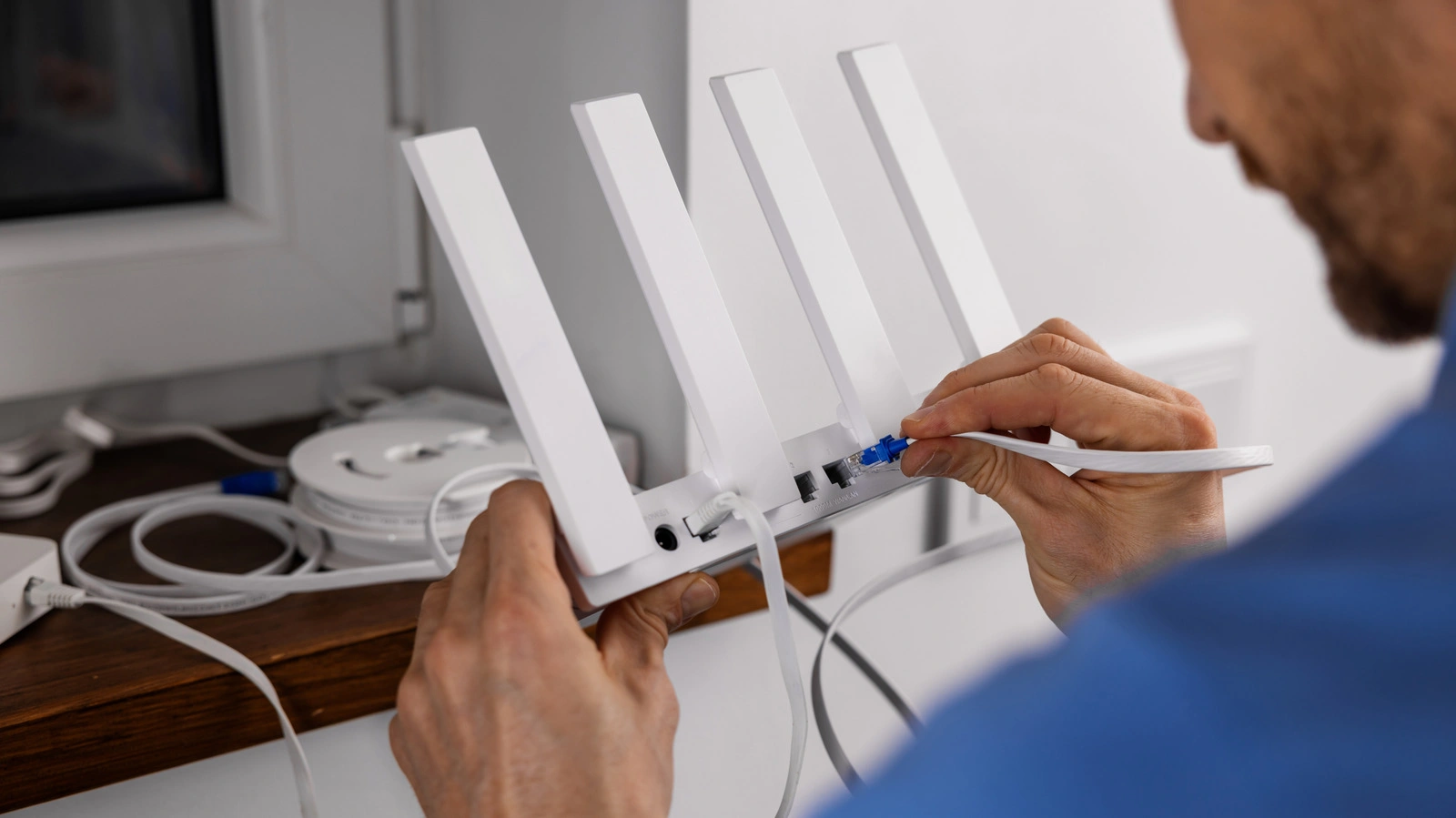
You might be paying a premium for Gigabit fiber internet, but if you are relying on a random cable found in a drawer from 2010, you are likely throwing money away. The most overlooked culprit for slow internet speeds is often the physical link connecting your modem to your router: the Ethernet cable. While Wi-Fi technology has advanced rapidly to Wi-Fi 6E and Wi-Fi 7, the humble copper wire responsible for delivering that bandwidth is frequently ignored, creating a silent bottleneck that caps performance regardless of your ISP plan.
This guide explains why Ethernet cable speed ratings are critical for modern home networks and how a simple visual check can instantly restore the speeds you are paying for. If your speed test results are stuck at exactly 90-95 Mbps despite a faster plan, the issue is almost certainly a legacy cable limiting your throughput.
Understanding the Categories: Cat5 vs. Cat6
Ethernet cables are classified by "Categories" (Cat), which define their performance capabilities, shielding, and twist rates. The most common legacy cable found in older homes is Cat5. This standard, while revolutionary in the 1990s, is strictly limited to speeds of 100 Mbps. If you use a Cat5 cable to connect a 1 Gbps modem to a router, the entire network will throttle down to match the cable's limit, wasting 90% of your potential bandwidth.
Modern standards like Cat5e (Enhanced) and Cat6 are designed to handle Gigabit speeds and beyond. Cat5e is the minimum requirement for 1 Gbps connections, while Cat6 reduces crosstalk (interference) and supports up to 10 Gbps over shorter distances. For users seeking future-proof setups, Cat6a and Cat8 offer massive bandwidth headroom, though they are often overkill for standard residential use.
How to Identify Your Cable Bottleneck
Identifying a bottleneck does not require expensive diagnostic tools; it only requires good lighting and sharp eyes. Manufacturers print the cable's specifications directly on the plastic jacket (sheathing). Look for text running along the length of the cord. You will typically see a sequence like "ETL VERIFIED TIA/EIA-568-B.2 CAT.5 PATCH CORD."
If the text reads "Cat5," replace it immediately. If it reads "Cat5e" or "Cat6," the cable is likely capable of Gigabit speeds, and your slow internet might be due to damage, kinks in the wire, or router configuration issues. It is crucial to check every link in the chain: the cable from the wall to the modem, the modem to the router, and the router to your PC or console. A single weak link downgrades the entire chain.
Comparison of Ethernet Standards
To help you choose the right replacement, here is a breakdown of current Ethernet standards and their capabilities.
| Category | Max Speed | Max Bandwidth | Best Use Case |
|---|---|---|---|
| Cat5 | 100 Mbps | 100 MHz | Obsolete (Replace immediately) |
| Cat5e | 1 Gbps | 100 MHz | Standard Home Internet |
| Cat6 | 10 Gbps (up to 55m) | 250 MHz | Gaming & 4K Streaming |
| Cat6a | 10 Gbps (up to 100m) | 500 MHz | Professional Home Office / NAS |
| Cat8 | 40 Gbps | 2000 MHz | Data Centers / Enterprise |
Why Shielding and Length Matter
Beyond the category rating, the physical construction of the cable affects stability. In environments with high electromagnetic interference (EMI)such as behind a TV cabinet cluttered with power bricks and HDMI cordsunshielded cables (UTP) can suffer from signal degradation. Upgrading to a shielded cable (STP or FTP) can prevent packet loss and jitter, which is vital for competitive gaming.
Length is another factor. While Cat6 can handle 10 Gbps, it can only do so over distances up to 55 meters. If you are running a cable across a large property, signal attenuation becomes a risk. For runs longer than 50 meters, opting for Cat6a ensures that the speed remains consistent without dropping packets.
Frequently Asked Questions
Does the color of the Ethernet cable affect speed?
No, the color of the jacket is purely cosmetic or used for organizational coding. The performance is determined solely by the internal copper twisting and the Category rating printed on the side.
Can a damaged Ethernet cable slow down internet without disconnecting it?
Yes. If one of the eight internal wires is frayed or broken, the cable might negotiate a lower speed (dropping from 1 Gbps to 100 Mbps) to maintain a stable connection, rather than failing completely.
Is it worth buying gold-plated Ethernet connectors?
Generally, no. While gold resists corrosion, standard connectors are sufficient for home use. The quality of the crimp and the category of the cable are far more important than the plating material.
My Take: The Cheapest Upgrade You Can Make
In an era where we spend hundreds of dollars on mesh Wi-Fi systems and high-tier ISP plans, ignoring a $10 cable is a critical error. I recommend standardizing your home network on Cat6a cables. They are only marginally more expensive than Cat5e but offer significant shielding benefits and support 10 Gbps, ensuring you won't need to rewire your setup when 2 Gbps or 5 Gbps internet plans become the norm. Check your cables today; it might be the easiest tech fix you perform all year.
This article was written by AI from reporting by slashgear.com.