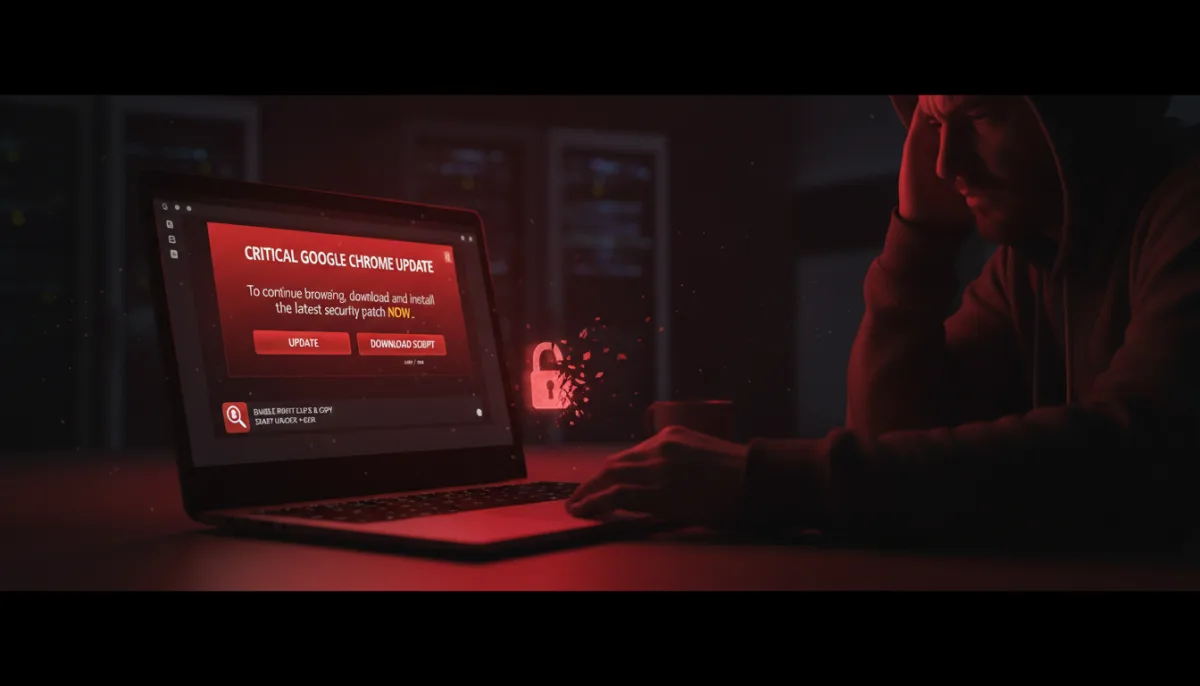
If you are suddenly seeing aggressive pop-ups demanding a critical Google Chrome update, do not click them. A new wave of malware is targeting Chromium-based browsers through compromised extensions, tricking users into downloading malicious scripts that bypass traditional antivirus software. The issue manifests as a persistent notification claiming an update is required to continue browsing, but clicking it downloads a suspicious.vbs or.exe script directly to your machine.
As one frustrated user reported on Reddit, traditional antivirus software like Malwarebytes often fails to flag anything during full system scans. This happens because the browser itself is not infected. Instead, a previously trusted extension is dynamically fetching malicious scripts from an external server to trigger the fake notification inside your active session.
This attack vector is particularly insidious because it is not isolated to Google Chrome. Users on alternative Chromium platforms, including Brave and Opera, are reporting identical pop-ups asking them to update Chrome, which is a clear indicator of a rogue script at play. While an older culprit known as QuickLens was eventually pulled from the Web Store, users have pinpointed a new source.
Recent reports indicate that extensions like "Enable Right Click & Copy Smart Unlock + OCR" are behind the fake update prompts. Alarmingly, this specific extension is still live on the Chrome Web Store, boasting over 70,000 downloads and a 4.7-star rating. Bad actors frequently buy out legitimate extensions from their original developers, using silent updates to bypass initial Web Store security checks and turn popular tools into malware droppers.
How to Stop the Fake Update Prompts
If your desktop is being bombarded by these persistent update demands, you must take immediate action to secure your system. Follow these steps to neutralize the threat:
- Do not click any links within the pop-up or execute any downloaded.vbs or.exe files.
- Check your browser's native settings menu to verify if a legitimate update is actually pending.
- Audit your active extensions and disable them one by one, prioritizing recent downloads or niche productivity utilities, until the fake prompts stop appearing.
The Hidden Danger of Extension Marketplaces
This ongoing malware campaign exposes a critical structural flaw in the Chrome Web Store ecosystem: the lack of transparency regarding extension ownership transfers. When a trusted developer sells their add-on to an undisclosed third party, the existing user base is rarely notified. The new owner can then leverage that established trust and high rating to push malicious payloads silently, turning a helpful utility into a backdoor overnight.
This trend highlights the urgent need for Google to implement stricter auditing mechanisms when developer accounts change hands. For everyday users, it necessitates a shift toward a "zero trust" approach with browser add-ons. Keeping only the absolute essential extensions installed is no longer just a performance tip; it is a necessary security measure to reduce your potential attack surface.