Finding high-quality software for your PC often feels like navigating a minefield of expensive subscriptions and hidden fees. However, a dedicated community of developers continues to maintain powerful, free open-source Windows apps that rival or outright beat their premium counterparts. From automating repetitive tasks to overhauling your clipboard, these tools solve daily computing frustrations without costing a single cent.
- LibreOffice: This comprehensive Microsoft 365 alternative now seamlessly opens complex Word documents and maintains PowerPoint layouts. While Calc may lack some advanced Excel features, the suite handles daily writing and spreadsheet tasks exceptionally well.
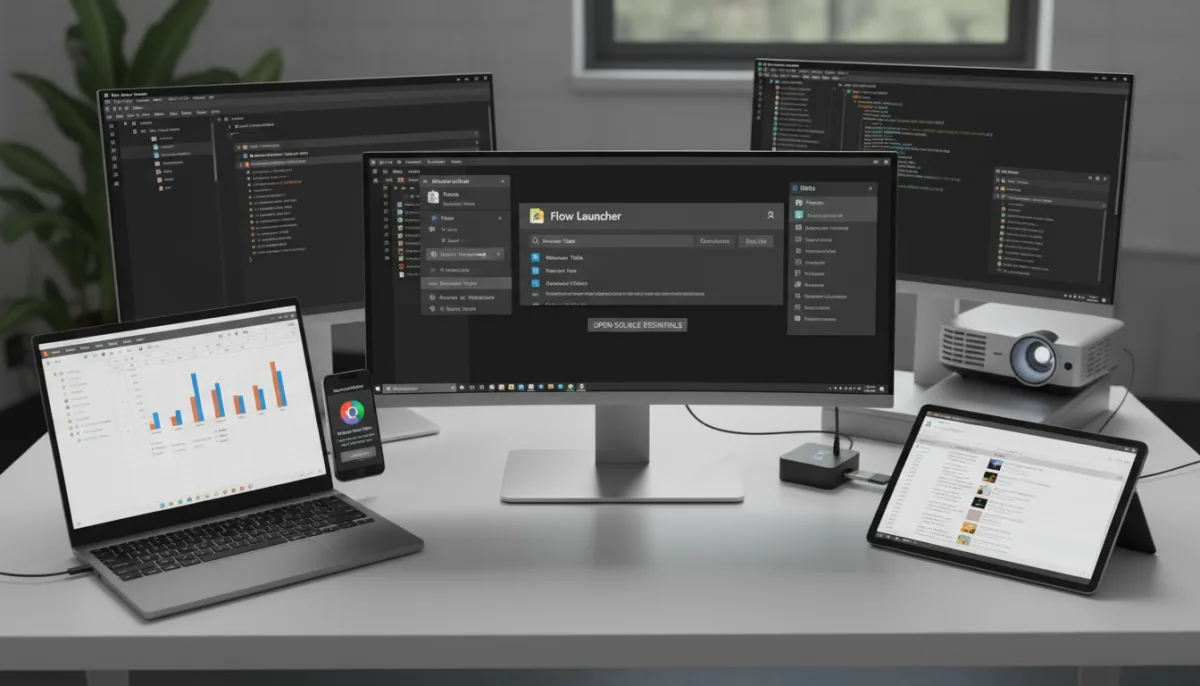
- Flow Launcher: A lightning-fast search tool activated via Alt + Space that lets you launch apps, search the web, calculate, and run system commands like shutdown. You can expand its capabilities through a dedicated Plugin Store to search browser tabs or manage files.
- Ditto: Fixing the limitations of the built-in Windows clipboard, this tool stores unlimited entries and retains them after a reboot. Activated via Ctrl + `, it features a search bar, item grouping, and cross-computer syncing for text, images, and files.
- AutoHotkey: A versatile scripting language designed to automate repetitive Windows tasks. Users can reassign keyboard combinations, create text expansion shortcuts, or build simple GUIs to save hours of manual work.
- KeePass: A secure password manager that stores your encrypted database locally, on a USB stick, or in your preferred cloud storage. It features an Auto-Type function for logging in outside the browser and supports file attachments up to 4GB.
- ShareX: An advanced screen capture utility that automates post-capture workflows, from saving and annotating to uploading and copying links. Its built-in image editor includes OCR text extraction, smart background erasing, and pixelation tools.
- Auto Dark Mode: This utility automatically switches Windows 11 between light and dark themes based on custom schedules, sunrise/sunset times, or Windows Night Light. It can also pause theme changes during gaming sessions.
- Ventoy: Eliminating the need to reformat USB drives for different ISOs, this tool lets you load multiple Windows installers, Linux distros, or diagnostic tools onto a single drive. Users simply select the desired OS from a boot menu.
- 7-Zip: A highly efficient file archiver supporting ZIP, RAR, and ISO formats, alongside its native 7z format which compresses files 30-40% smaller than standard ZIPs. It remains incredibly fast and is compatible with legacy systems dating back to Windows 2000.
- FreeFileSync: A local file backup application that retains original file formats for immediate access without restoration. It features four sync modes - Mirror, Update, Two-Way, and Custom - though scheduling requires integration with Windows Task Scheduler.
The Hidden Cost of Subscription Fatigue
The software industry's relentless push toward Software as a Service (SaaS) has left many users trapped in a cycle of endless monthly payments for basic utilities. The enduring success of these free open-source Windows apps proves that essential computing tools do not require a recurring fee to remain secure, updated, and feature-rich. Tools like 7-Zip and KeePass have maintained their relevance for decades precisely because they prioritize core functionality over forced cloud integration.
For everyday users and IT professionals alike, adopting these open-source alternatives is no longer just about saving money; it is about reclaiming digital ownership. When you use a local password manager or a standalone office suite, you eliminate the risk of losing access to your own data if a subscription lapses or a server goes offline. As Microsoft continues to embed more cloud-dependent features into Windows 11, these independent utilities offer a necessary counterbalance for privacy-conscious users.
This article was written by AI from reporting by makeuseof.com.