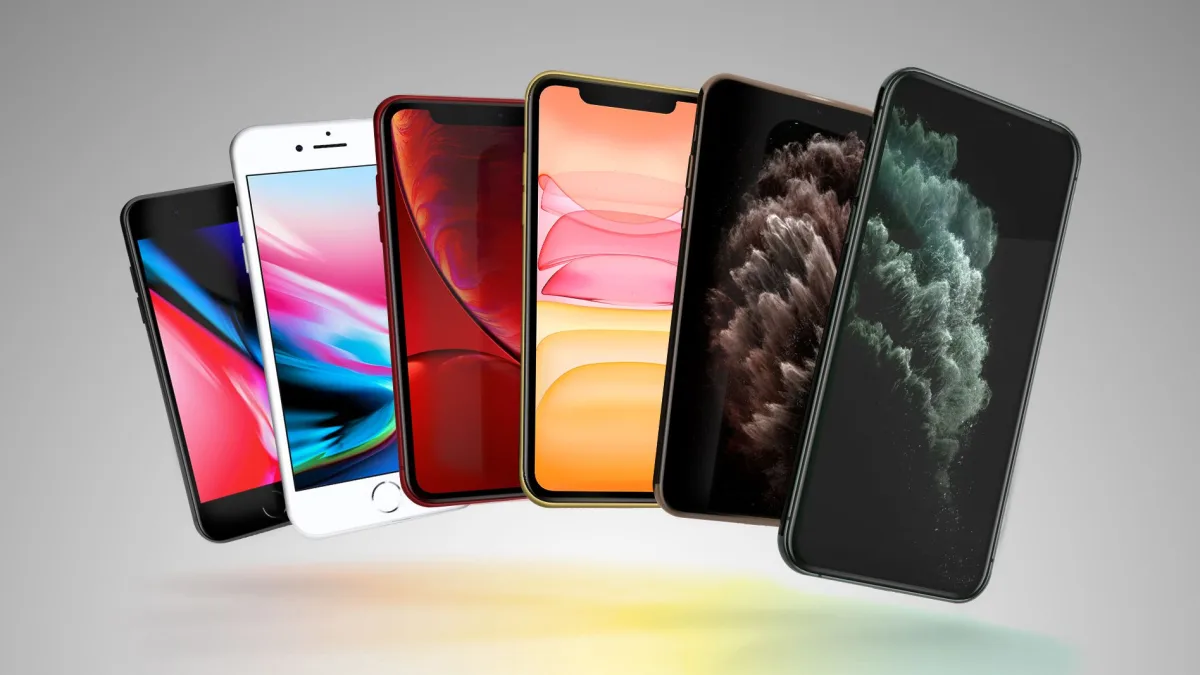
Apple has officially rolled out iOS 16.7.15, iPadOS 16.7.15, iOS 15.8.7, and iPadOS 15.8.7 to deliver critical security fixes for older iPhones and iPads. This unexpected update targets legacy devices that are no longer eligible for the latest operating system upgrades, ensuring they remain protected against emerging vulnerabilities. For users holding onto older hardware, this release underscores Apple's ongoing commitment to long-term device security.
Device owners can manually trigger the installation by navigating to the Settings app, selecting General, and tapping on the Software Update option. Users who have automatic updates enabled will see the new software applied seamlessly over the coming days. While Apple's official release notes remain brief, they explicitly highlight that these patches contain important security fixes, making them essential downloads for anyone still using these older models as daily drivers or secondary devices.
Apple officially guarantees security updates for at least five years post-launch, but the company frequently exceeds this baseline to protect its massive active install base. A prime example of this extended support occurred earlier this year when the iPhone 5s received a surprise software patch a staggering 13 years after its initial debut. This strategy not only protects users from zero-day exploits but also reinforces the high resale and retention value of Apple hardware compared to industry competitors.
My Take
Apple's decision to push iOS 16.7.15 and iOS 15.8.7 is a masterclass in ecosystem retention and cybersecurity responsibility. By patching devices that are years out of the mainstream upgrade cycle, Apple effectively neutralizes potential botnets and widespread vulnerabilities that often plague abandoned hardware. Looking at the recent 13-year support milestone for the iPhone 5s, it is clear that Apple views legacy security not just as a technical necessity, but as a core brand pillar that justifies its premium pricing model.
Frequently Asked Questions
Which specific updates did Apple release for older devices?
Apple released iOS 16.7.15, iPadOS 16.7.15, iOS 15.8.7, and iPadOS 15.8.7 specifically for legacy iPhones and iPads.
How can I install these legacy security updates?
You can install the updates by opening the Settings app, navigating to General, and selecting Software Update.
Why is Apple updating such old devices?
The updates provide critical security fixes to protect users from vulnerabilities, aligning with Apple's history of supporting devices long past their official five-year window.
This article was written by AI from reporting by macrumors.com.