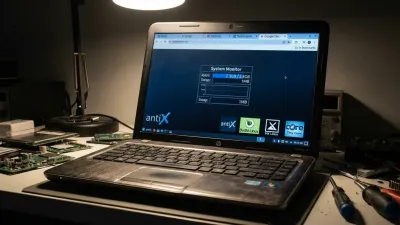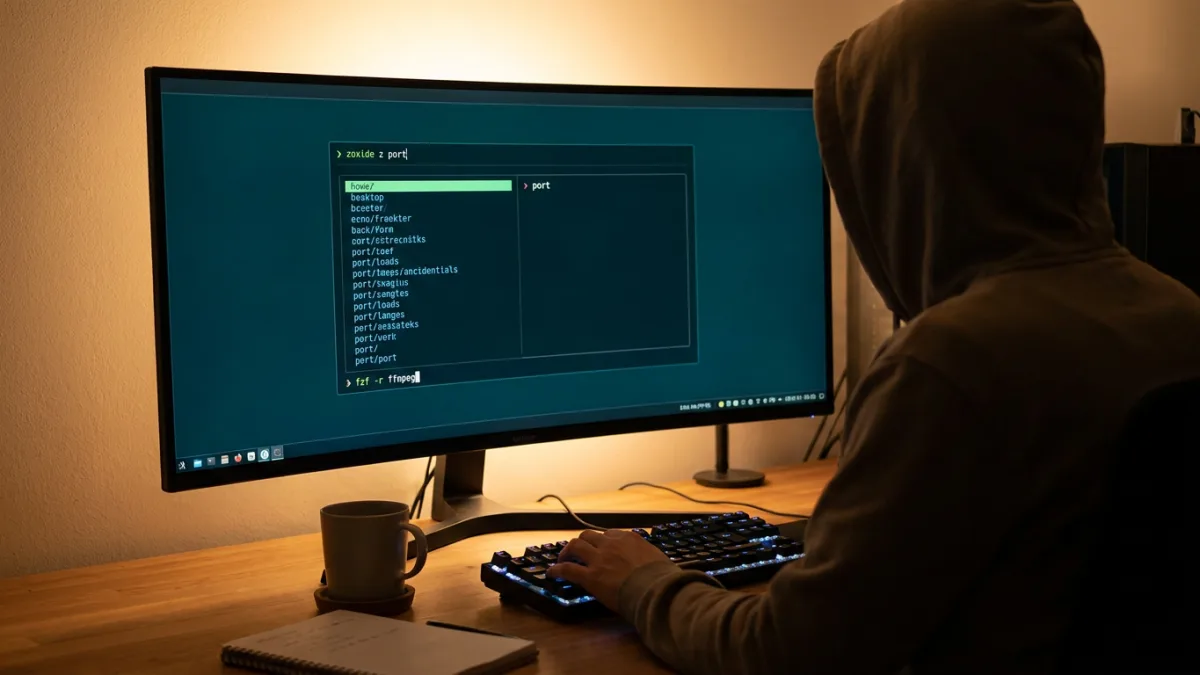
Writing for MakeUseOf, Afam explains that the Linux terminal can initially be a barrier for new users. While he used to paste commands from forums out of fear of breaking his system, he eventually found five small Linux terminal tools that handle complex tasks without requiring any programming knowledge.
1. fzf
According to the author, remembering the exact syntax of an old command can be difficult. By pressing Ctrl+R and typing a fragment like rsync or ffmpeg, the fzf tool provides a list of shell history that narrows down with every letter. The search works even if words are out of order or contain typos. Once a result is selected, it is placed on the prompt without running, allowing users to edit it or press Escape to cancel.
Run any of these commands to install fzf:
| Linux distribution | Install command |
|---|---|
| Ubuntu, Linux Mint, Debian | sudo apt install fzf |
| Fedora | sudo dnf install fzf |
| Arch Linux, Manjaro | sudo pacman -S fzf |
Afam notes that installing fzf via apt on Linux Mint does not enable keyboard shortcuts by default. To fix this, he added the following line to ~/.bashrc so Bash loads the bindings at startup:
source /usr/share/doc/fzf/examples/key-bindings.bash2. zoxide
Typing long directory paths like cd ~/projects/web/portfolio-site/src/components can become tiresome. With zoxide, the author can reach the same directory from anywhere by typing z port comp. The tool learns frequently used directories and ranks them based on how often and how recently they are visited. Running zoxide query --list --score displays this learned list, keeping daily folders at the top. Users can narrow searches with extra words, making it effective even when folders share partial names.
zoxide only tracks folders visited after its installation. It also requires adding eval "$(zoxide init bash)" to ~/.bashrc before the z command becomes available.
Run any of these commands to install zoxide:
| Linux distribution | Install command |
|---|---|
| Ubuntu, Linux Mint, Debian | curl -sSfL https://raw.githubusercontent.com/ajeetdsouza/zoxide/main/install.sh \| sh |
| Fedora | sudo dnf install zoxide |
| Arch Linux, Manjaro | sudo pacman -S zoxide |
3. tldr
For commands like find, the standard man pages can be overwhelming. The tldr tool solves this by providing plain English entries with ready-made commands. It uses placeholders like {{root_path}} and {{*.ext}} to show the command's structure, helping users learn what to swap in rather than memorizing exact lines.
The author frequently uses this pattern:
find {{root_path}} -name '{{*.ext}}'This tells the tool to start searching from a specific folder and match names fitting the pattern. Because the pages are community-written, Afam advises reading commands before running them.
These commands install tldr:
| Linux distribution | Install command |
|---|---|
| Ubuntu, Linux Mint, Debian | pipx install tldr |
| Fedora | sudo dnf install tldr |
| Arch Linux, Manjaro | sudo pacman -S tldr |
On Linux Mint, installing tldr with pipx requires installing pipx first.
4. ncdu
Users can run out of storage without knowing what is occupying the space. Running ncdu ~ scans the home folder and lists contents by size, with the largest at the top. Users can navigate with the arrow keys and press Enter to open a folder.
When the author scanned his computer, he found the following:
| Location | Size | What it turned out to be | What I did |
|---|---|---|---|
| ~/projects | 5.8GiB | My projects folder, the largest directory in my home folder | Used ncdu to see exactly where the space was going |
| ~/.cache | 2.0GiB | Cached application data that had piled up over time | Treated it as worth investigating before deciding what to clear |
While the projects folder was expected, the cache was easy to miss. The ncdu tool surfaces where the data sits so users can take action. Pressing d within the tool permanently deletes a file or folder without a recovery option. For a complete system scan, users can run sudo ncdu -x /.
| Linux distribution | Install command |
|---|---|
| Ubuntu, Linux Mint, Debian | sudo apt install ncdu |
| Fedora | sudo dnf install ncdu |
| Arch Linux, Manjaro | sudo pacman -S ncdu |
5. btop
Instead of a wall of green text, btop provides a colorful dashboard with live graphs for CPU, memory, disks, and network usage. The tool also responds to mouse clicks. Afam opens it while his machine is idle to establish a baseline, then watches the graphs during resource-heavy activities to identify what slows the computer down.
He closely monitors CPU load, the memory panel, and the top process, using the "Available" value to gauge remaining headroom. Pressing t opens a tree view to spot which app a process belongs to, while pressing k ends a process. The author avoids touching unrecognized processes.
| Linux distribution | Install command |
|---|---|
| Ubuntu, Linux Mint, Debian | sudo apt install btop |
| Fedora | sudo dnf install btop |
| Arch Linux, Manjaro | sudo pacman -S btop |
Building a Terminal Arsenal
Afam concludes that his increased efficiency came from learning which tools help the most, rather than memorizing commands. Over time, these five utilities have become an indispensable base for his workflow, and none of them required writing a script.
This article was written by AI from reporting by makeuseof.com.