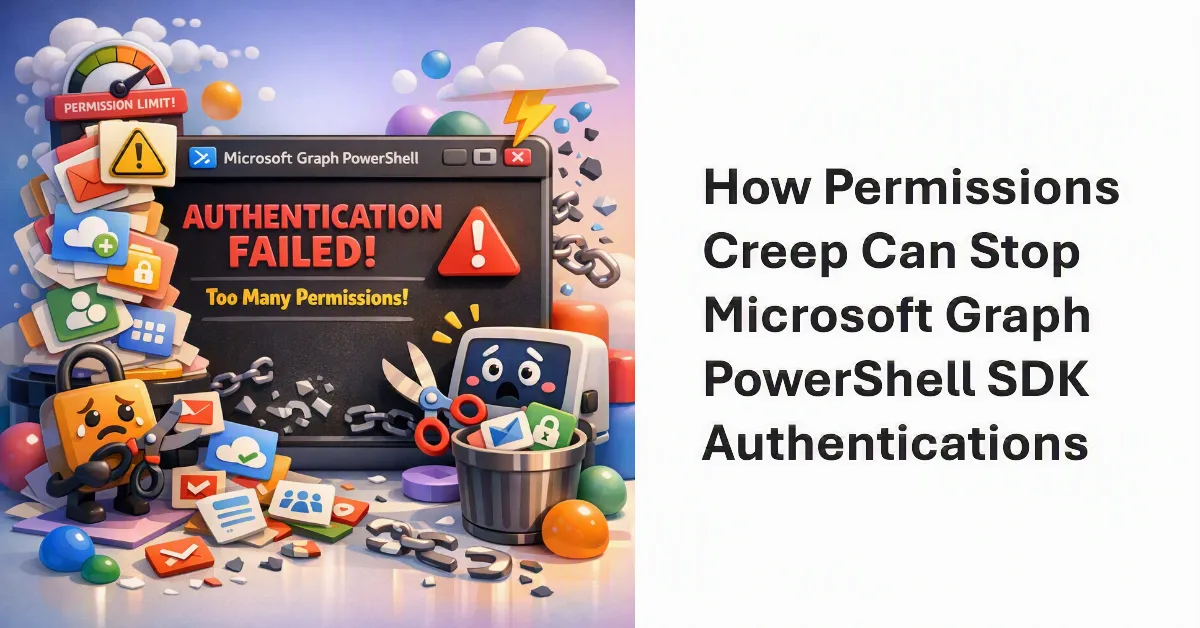
IT administrators relying on the Microsoft Graph PowerShell SDK are encountering a hard internal limit that breaks interactive sessions. A permissions creep issue within the Microsoft Graph Command Line Tools app is causing the Connect-MgGraph cmdlet to fail, locking users out with a misleading authentication error.
Interactive Graph sessions utilize a first-party application to manage access. The first time the connection cmdlet runs in a tenant, Entra ID creates a service principal that holds the delegated permissions for that app. Over time, users frequently request additional scopes to run specific cmdlets, using commands like the following:
Connect-MgGraph -Scopes GroupMember.Read.All, User.ReadBasic.AllBecause administrators rarely revoke these permissions once a task is complete, the service principal continuously accumulates them. This constant addition to the grant object creates a severe permissions creep problem that eventually triggers a system failure.
The 140-Permission Threshold
Investigations reveal that a limit of approximately 140 delegated permissions applies to the service principal used by the Microsoft Graph Command Line Tools app. The exact threshold varies slightly depending on the specific permissions granted, with some tenants hitting the wall at 146 permissions.
Once this undocumented limit is reached, adding large numbers of new permissions causes the connection to fail entirely. Attempts to run the cmdlet with the Scopes parameter in either privileged or non-privileged PowerShell sessions (using version 7.6.2) result in the following error:
Connect-MgGraph -Scopes AuditLogsQuery-SharePoint.Read.All

WARNING: Note: Sign in by Web Account Manager (WAM) is enabled by default on Windows. If using an embedded terminal, the interactive browser window may be hidden behind other windows.
Connect-MgGraph: InteractiveBrowserCredential authentication failed: User canceled authentication.
This error message is highly misleading. The failure has nothing to do with browser authentication or the Web Account Manager. Instead, the cmdlet fails internally and simply drops the request to add new scopes to the service principal.
How to Fix the Connect-MgGraph Error
This issue is currently present in version 2.38 and earlier releases of the Microsoft Graph PowerShell SDK. Until Microsoft addresses the bug or officially documents the limit, administrators must manually intervene to restore functionality.
- Identify the bloat: Review the delegated permissions currently assigned to the Microsoft Graph Command Line Tools service principal in Entra ID.
- Run the cleanup cmdlet: Use the Update-MgOauth2PermissionGrant cmdlet to actively remove unnecessary delegated permissions.
- Drop below the threshold: Ensure the total number of permissions falls safely below the 140-scope limit.
- Reconnect: Once the scopes are reduced, running Connect-MgGraph -Scopes will function normally again.
An Accidental Safeguard for Security Hygiene
While this connection failure is technically a bug in the SDK's error handling, it inadvertently enforces a critical security practice. A highly permissioned service principal is a latent risk, even if those permissions are delegated and limited to the signed-in user's existing access levels. By forcing the cmdlet to crash at ~140 scopes, the system accidentally prevents service principals from becoming massive, unmonitored repositories of tenant-wide access rights. Microsoft may eventually patch the misleading error message, but they would be wise to keep the hard limit intact, forcing IT teams to actively manage their OAuth grants rather than letting them accumulate forever.
This article was written by AI from reporting by office365itpros.com.