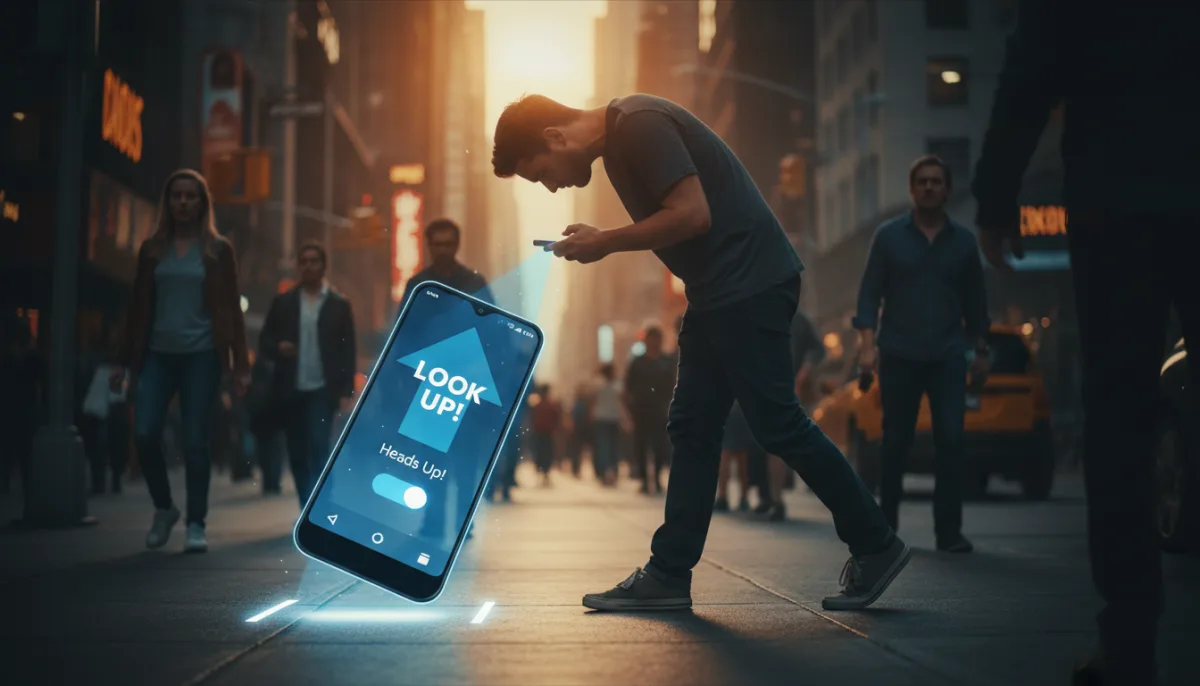
Tilting your neck forward by just 15 degrees to look at your smartphone places an estimated 12 kilograms of force on your cervical spine. At a 60-degree angle, that pressure skyrockets to 27 kilograms. Walking while texting prolongs the period your neck remains in this flexed position, fundamentally altering your gait, increasing muscle strain, and drastically raising the risk of walking into obstacles.
To combat this growing "tech neck" epidemic, the Android operating system includes a deeply buried Digital Wellbeing tool designed to break the micro-habit of multitasking while walking. Paired with emerging accessibility tools that combat screen-induced nausea in moving vehicles, these settings transform your device from a physical hindrance into a posture-correcting tool.
How to Enable the Heads Up Feature
The Heads Up tool utilizes your device's accelerometer to detect when you are walking and actively interacting with the screen, sending timely push notifications to look up from your display.
- An Android smartphone with Digital Wellbeing installed.
- Physical Activity and Notifications permissions must be granted.
- Navigate to your device Settings and select Digital Wellbeing & parental controls. This ensures you access the core suite of Google's habit-management tools.
- Tap on the Heads Up option and proceed through the setup wizard. This enables the accelerometer tracking required to monitor your physical movement while the screen is active.
- Grant the mandatory Physical Activity and Notifications permissions, but leave the Location toggle disabled. This ensures the feature functions perfectly without unnecessarily exposing your real-time GPS data to background tracking.
How to Enable Motion Sickness Relief Display
Reading on a phone in a moving vehicle triggers a sensory mismatch: your inner ear detects movement, but your eyes remain fixed on a stationary screen, resulting in nausea. To fix this, manufacturers are rolling out visual motion cues. While Google's version (Motion Assist) was discovered in 2024 and remains absent from Google Pixel devices as of August 2026, brands like Infinix have already deployed it via the XOS 16 update.
- A compatible Android device (such as an Infinix running XOS 16 or later).
- Open the Settings app and navigate to Accessibility & Features. This ensures you access the system-level display modifications designed for physical comfort.
- Toggle the Motion Sickness Relief Display to the "On" position. This enables moving dots along the edges of your screen that target your peripheral vision.
- Select whether the dots should appear constantly or only when the device detects you are in a vehicle. This ensures the visual cues dance in sync with the physical movement your body feels, effectively neutralizing the internal sensory conflict.
The Privacy Cost of Posture Correction
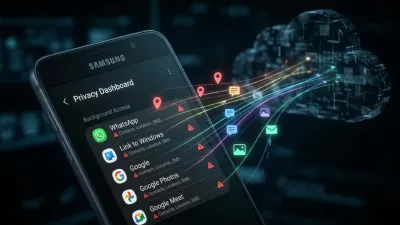
Relying on a smartphone to cure smartphone-induced bad habits presents a fascinating paradox, but the real friction lies in data privacy. The Heads Up feature explicitly asks for Location access to improve its accuracy, yet granting it is entirely unnecessary for the core accelerometer-based function to work. Given that Google has faced years of lawsuits from state attorneys general over its location tracking practices, users should aggressively guard this permission.
Furthermore, the fragmentation of Android features remains a glaring issue. It is objectively absurd that a smaller manufacturer like Infinix shipped a highly effective Motion Sickness Relief Display in February 2026, while Google's own Pixel lineup is still waiting for the heavily leaked Motion Assist to officially launch. Until artificial intelligence models like Gemini can universally standardize these wellness tools across all Android skins, users must manually dig through their settings to protect their posture and their privacy.