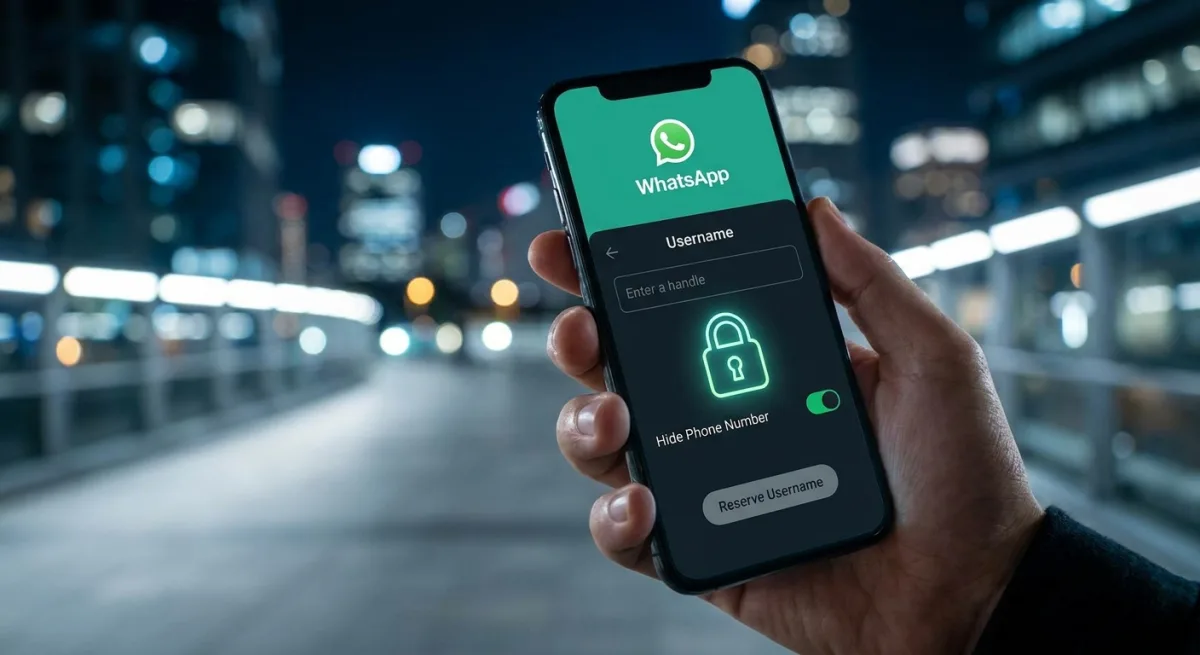
WhatsApp is fundamentally changing how billions of people connect by introducing customizable usernames, finally allowing users to hide their personal phone numbers. While the ability to message via usernames will officially launch later this year, the window to reserve your unique handle is opening right now. If you want to avoid a string of random numbers attached to your identity, you need to act fast.
This update operates differently than traditional social media platforms. WhatsApp has confirmed there will be no public search directory, meaning anyone who wants to contact you must already know your exact username. For an added layer of privacy, the platform is introducing a "username key" - an optional password that senders must enter before they can initiate a chat with you.
The username system is entirely optional, and traditional phone number messaging will continue to function normally. However, once you set a handle, your phone number will remain hidden from new contacts you message. Before you begin the reservation process, ensure you have the following ready:
- The latest version of the WhatsApp mobile app installed on your device (the web interface does not currently support this feature).
- An active WhatsApp account linked to your current phone number.
- (Optional) An existing Facebook or Instagram handle if you prefer to import a unified identity across Meta platforms.
Securing your preferred handle only takes a minute. Follow these steps to claim your identity:
- Open the WhatsApp mobile app on your smartphone. This ensures you are using the supported platform, as the desktop and web interfaces currently lack the reservation feature.
- Tap the three vertical dots icon located in the upper-right corner of the screen. This opens the main application menu where core configurations and profile settings are housed.
- Select Settings, then navigate to the Account menu. This directs you to the security and identity management section of your profile.
- Tap Username under the "Your account" section. This initiates the handle reservation and creation process.
- Choose Create username, or select the prompt to import your handle from Facebook or Instagram. This allows you to either craft a brand new identity or maintain brand consistency across Meta's ecosystem.
- Enter your desired name and tap Save. This locks in your unique handle immediately, preventing another user from claiming it before the global rollout.
The End of the Phone Number Era
This shift is a massive strategic pivot for Meta. For over a decade, WhatsApp's strict reliance on phone numbers was its biggest growth engine - seamlessly leveraging existing contact books - but it was also its most glaring privacy flaw. By introducing usernames and a password-protected "username key" system, WhatsApp is aggressively moving to match the privacy standards long championed by rivals like Telegram and Signal.
This update is not just about vanity handles; it is a calculated move to dominate community and business messaging. As WhatsApp pushes deeper into large-scale community groups and brand interactions, users have become increasingly hesitant to expose their personal phone numbers to strangers. Usernames remove that friction entirely, paving the way for WhatsApp to evolve from a personal SMS replacement into a broader, more secure social network.
This article was written by AI from reporting by androidauthority.com.