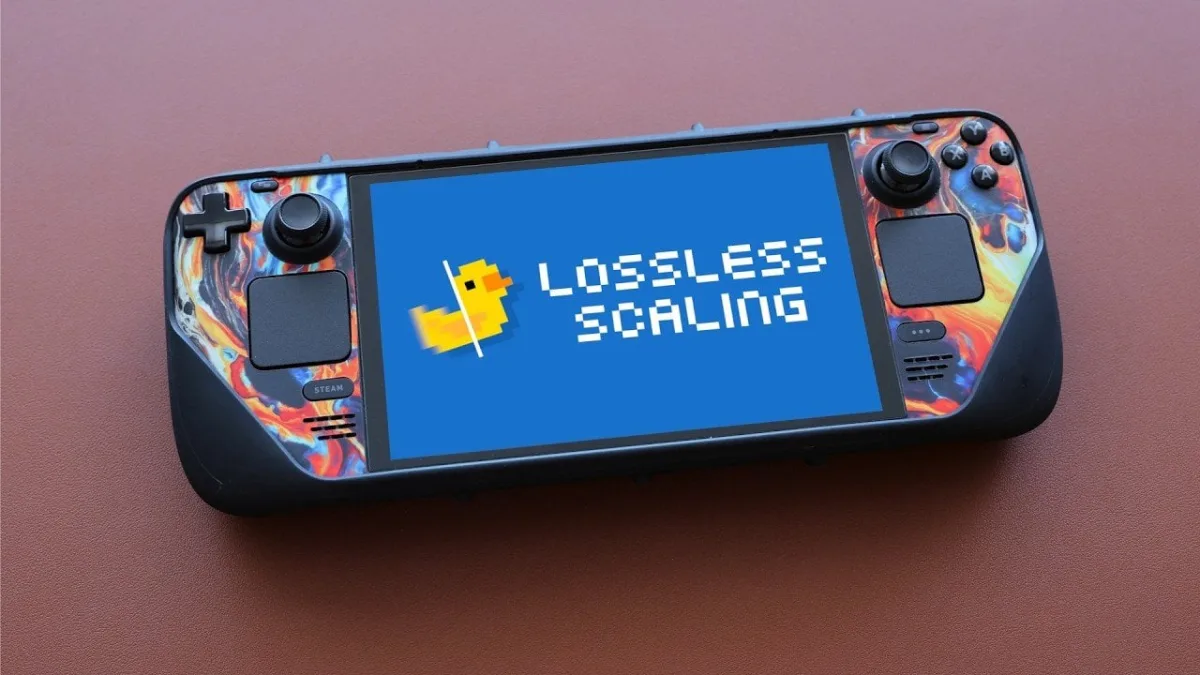
For handheld gamers struggling with locked 30 FPS limits on classic titles, Lossless Scaling on the Steam Deck has emerged as a transformative solution. By leveraging AI-driven upscaling and frame generation, this utility bypasses native hardware constraints to deliver smoother gameplay and sharper visuals. Unlike in-game technologies such as AMD FSR, Intel XeSS, or Nvidia DLSS, this tool operates entirely independently, offering a universal performance boost across various games and emulators.
The utility is particularly effective for retro gaming enthusiasts who demand pixel-perfect accuracy. Through a feature known as integer scaling, the software ensures that lower-resolution emulated titles fit perfectly on high-resolution screens without introducing blurry distortion. According to testing showcased by Retro Game Corps, the software excels at taking games locked at 30 FPS, such as Wind Waker HD and Twilight Princess HD, and upscaling them to a fluid 60 FPS.
While originally designed for Windows environments, the tool has expanded its cross-platform compatibility to Linux-based handhelds like the Steam Deck and the Legion Go S through the use of additional plugins. However, it is important to note that Android-based handhelds are not currently supported, leaving a temporary gap in the mobile emulation ecosystem.
How to Configure Lossless Scaling for Emulators
Setting up the utility requires specific adjustments to balance visual fidelity with hardware performance. Because the software relies on AI frame interpolation, pushing the settings too high can introduce input lag, making it unsuitable for fast-paced or competitive multiplayer games.
- Install the Lossless Scaling application directly via Steam, ensuring you have the necessary Linux plugins installed if you are operating on a Steam Deck.
- Lock the base frame rate within your emulator (such as PS2, Wii U, or Switch emulators) to the game's native limit, typically 30 FPS.
- Configure the FPS multiplier in the utility to exactly 2x. Pushing beyond a 2x multiplier is not recommended, as it significantly increases the risk of excessive input lag.
- Test the configuration in-game and adjust the performance mode if you experience graphical anomalies during rapid camera movements.
Hardware Limitations and Emulator Compatibility
Despite its impressive capabilities, the software introduces a noticeable GPU performance tax. Because the tool requires dedicated graphics resources to generate new frames, less powerful hardware may struggle to maintain consistent actual gameplay frame rates beneath the upscaled output. This makes the utility best suited for single-player games with moderate graphical demands.
Compatibility also varies significantly depending on the specific emulator being used. While lightweight emulators for systems like the PS2 and Nintendo Switch see massive benefits, users running RetroArch or Dolphin may encounter specific compatibility hurdles or performance bottlenecks that require deeper manual adjustments.
The Future of Handheld Emulation
The integration of AI frame generation into the handheld emulation scene represents a massive leap forward for game preservation. By artificially generating frames for titles like Wind Waker HD, Lossless Scaling effectively modernizes games that were permanently bottlenecked by the hardware limitations of their original consoles. This breathes new life into classic libraries without requiring developers to release official, optimized remasters.
However, the current reliance on third-party plugins for Linux compatibility highlights a fragmentation in the handheld market. As devices like the Steam Deck and Legion Go S continue to dominate, we will likely see Valve and other hardware manufacturers attempt to integrate similar universal frame-generation tools directly into their operating systems. Until then, this utility remains an essential, albeit slightly technical, workaround for handheld power users.
This article was written by AI from reporting by geeky-gadgets.com.