

Table of Contents
Unlocking Convenience: Remote Start via iPhone
Owners of recent vehicle models can now start their engines remotely using an iPhone, thanks to dedicated apps from major automakers. This feature, available on brands like Nissan, Chrysler, Dodge, Jeep, Ford, Toyota, and others, allows pre-heating or cooling the cabin before entering the car.
How It Works with Automaker Apps
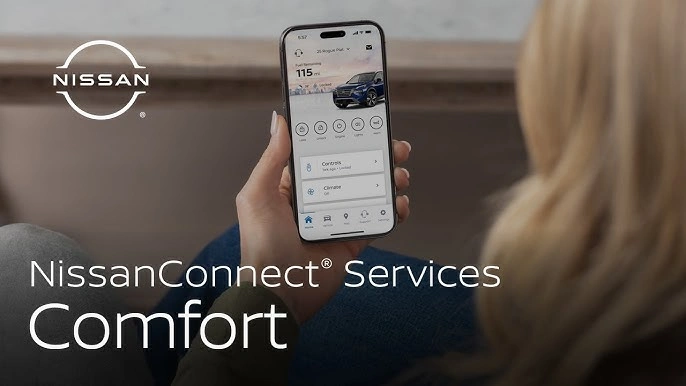
The process relies on the vehicle's built-in connectivity systems paired with iPhone apps. For Nissan owners, the MyNISSAN app enables remote engine start, climate control adjustments, seat heating, steering wheel warming, and defrost activation directly from the smartphone. Chrysler, Dodge, Jeep, Ram, and Fiat vehicles support Digital Key functionality, where users pair their iPhone via NFC to lock, unlock, and start the car without physical keys.
Third-party solutions expand compatibility. Apps like Car Play Connect work with over 20 brands including BMW, Hyundai, Kia, Mercedes, Tesla, and Volkswagen, offering remote start, lock/unlock, vehicle status checks, and even fuel level notifications. Aftermarket systems such as EVO-START and VIPER SmartStart provide similar controls, including real-time location tracking and roadside assistance integration.
Step-by-Step Setup Guide
- Download the App: Get the official app from your automaker, like MyNISSAN or the brand's equivalent, from the App Store.
- Pair Your Vehicle: Create an account, enter your VIN, and follow prompts to link the iPhone. For Digital Key models, hold the phone's NFC area against the car's reader.
- Enable Permissions: Grant location, Bluetooth, and notifications access for full functionality.
- Test Remote Start: Select the start option; the app confirms engine status and climate settings.
Apple's CarPlay ecosystem supports over 800 models from 2018 onward, including Toyota Camry, RAV4, Nissan Rogue, and more, enhancing integration. Wireless CarPlay further simplifies connectivity without cables.
Compatible Vehicles and Brands
Key models include:
- Nissan Rogue (2026.5) with NissanConnect Services.
- Chrysler, Dodge, Jeep, Ram, Fiat with Uconnect Digital Key.
- Ford, Toyota, Kia, Hyundai, BMW, Audi, Lexus, Mazda, Mercedes, Tesla, and others via apps like Car Play Connect.
VIPER SmartStart adds fleet management for families, with GPS tracking, impact alerts, and 24/7 roadside help. EVO-START offers LTE connectivity for secure remote interactions.
Benefits and Practical Impact
Remote start improves comfort in extreme weather, allowing drivers to enter a preconditioned vehicle. Security features like real-time status checks and geofencing prevent unauthorized use. For families, multi-user sharing lets parents monitor teen drivers via location and behavior alerts.
Industry-wide adoption reflects the shift to connected cars. Over 800 CarPlay-compatible models demonstrate broad support, making iPhone the go-to device for automotive tech. Apps often include maintenance reminders and diagnostic codes, reducing downtime.
Limitations and Tips
Not all vehicles qualify; check your model's year and trim for connectivity. Subscriptions may apply for premium features, like VIPER's plans or Car Play Connect's in-app purchases starting at $9.99 weekly. Ensure iOS 14+ for compatibility. Always verify local laws on remote start idling times.
This tech bridges smartphones and vehicles, offering control from anywhere with cellular or Wi-Fi. As more models integrate, iPhone remote start becomes standard for modern driving.