

Table of Contents
- Microsoft's Active Hours Feature Fails to Win Over Windows 11 Users Frustrated With Update Restarts
- What Is Active Hours and How Does It Work?
- The 18-Hour Limitation Problem
- User Skepticism and Real-World Concerns
- Microsoft's Approach vs. User Expectations
- Alternative Approaches and Workarounds
- Looking Forward
Microsoft's Active Hours Feature Fails to Win Over Windows 11 Users Frustrated With Update Restarts
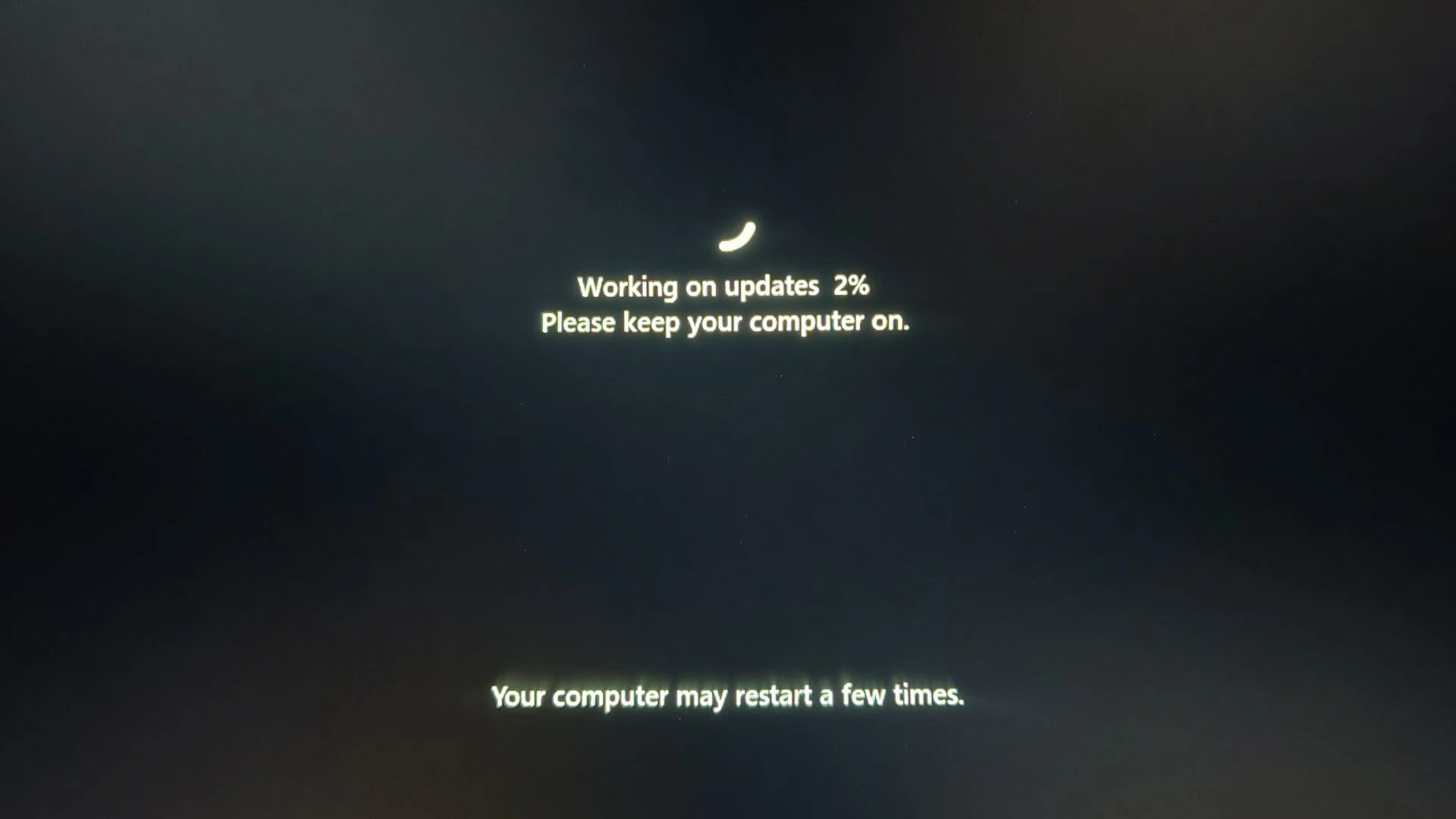
Microsoft recently shared guidance on how Windows 11 users can prevent their computers from restarting during work hours using the Active Hours feature, but the response from the community has been decidedly lukewarm. Despite the company's efforts to educate users about this built-in tool, many remain frustrated with its limitations and effectiveness.
What Is Active Hours and How Does It Work?
Active Hours is a Windows 11 feature designed to identify periods when users expect their devices to be in active use. The system automatically schedules updates and restarts outside these designated hours, preventing interruptions during work or personal computing sessions. By default, Windows 11 sets active hours from 8 AM to 5 PM, but users can manually adjust these times through the Settings application.
To configure Active Hours manually, users need to navigate to Settings > Windows Update > Advanced options > Active hours, then select the "Manually" option from the dropdown menu. From there, they can specify custom start and end times for when their computer should avoid restarting for updates.
The 18-Hour Limitation Problem
One of the primary complaints from Windows 11 users centers on the feature's maximum 18-hour window restriction. This limitation means users cannot set a continuous 24-hour period where updates are deferred, forcing them to accept at least a 6-hour window during which automatic restarts can occur. For users with irregular schedulessuch as those who work late into the night or have non-traditional work hoursthis constraint proves particularly problematic.
Users have expressed frustration that Windows 11 doesn't offer the flexibility to disable Active Hours entirely or extend the protection beyond 18 hours. This represents a step backward compared to user expectations and highlights Microsoft's one-size-fits-all approach to update management.
User Skepticism and Real-World Concerns
Beyond the technical limitations, community feedback reveals deeper skepticism about whether Active Hours actually prevents unwanted restarts. Users report instances where Windows 11 has initiated updates and restarts despite having Active Hours properly configured. This inconsistency has eroded trust in the feature's reliability.
The frustration extends to the broader philosophy of forced updates in Windows 11. Many users feel that Microsoft prioritizes automatic security updates over user autonomy, leaving them with limited control over when their systems restart. The Active Hours feature, while well-intentioned, is perceived as a band-aid solution rather than a genuine resolution to the update restart problem.
Microsoft's Approach vs. User Expectations
Microsoft's decision to promote Active Hours as the solution to update interruptions reflects the company's commitment to security and system maintenance. Regular updates are essential for protecting devices from vulnerabilities and ensuring system stability. However, this approach conflicts with user preferences for greater control over their own devices.
The disconnect between Microsoft's messaging and user sentiment suggests that the company may need to reconsider its update strategy. Users are asking for more granular control options, longer active hours windows, or the ability to defer updates for extended periods without sacrificing security.
Alternative Approaches and Workarounds
Some advanced users have explored registry editing and Group Policy modifications to extend or customize Active Hours beyond the standard interface limitations. However, these workarounds require technical expertise and carry risks if implemented incorrectly, making them inaccessible to average users.
For those seeking more control, Windows Pro and Enterprise editions offer additional update management options through Group Policy Editor, allowing administrators to configure more restrictive update policies. However, these features remain unavailable to Windows 11 Home users, further limiting options for the majority of consumers.
Looking Forward
The lukewarm reception to Microsoft's Active Hours guidance indicates that users want more substantial solutions to the update restart problem. Whether Microsoft will respond by extending the active hours window, offering additional customization options, or implementing alternative update strategies remains to be seen. For now, Windows 11 users continue to navigate the tension between security requirements and personal computing preferences, with Active Hours serving as an imperfect compromise.