
Table of Contents
The Hidden Dangers Lurking in 2G Networks
Smartphones today are marvels of connectivity, but they carry a hidden vulnerability from the early days of mobile tech: 2G networks. Despite the rollout of 4G and 5G, many carriers still support 2G as a fallback for compatibility. This outdated protocol, designed in the 1990s, lacks modern encryption standards, making it a prime target for cybercriminals. Disabling 2G isn't just a recommendationit's a straightforward security upgrade that can shield your device from sophisticated attacks.
Understanding the 2G Security Flaw
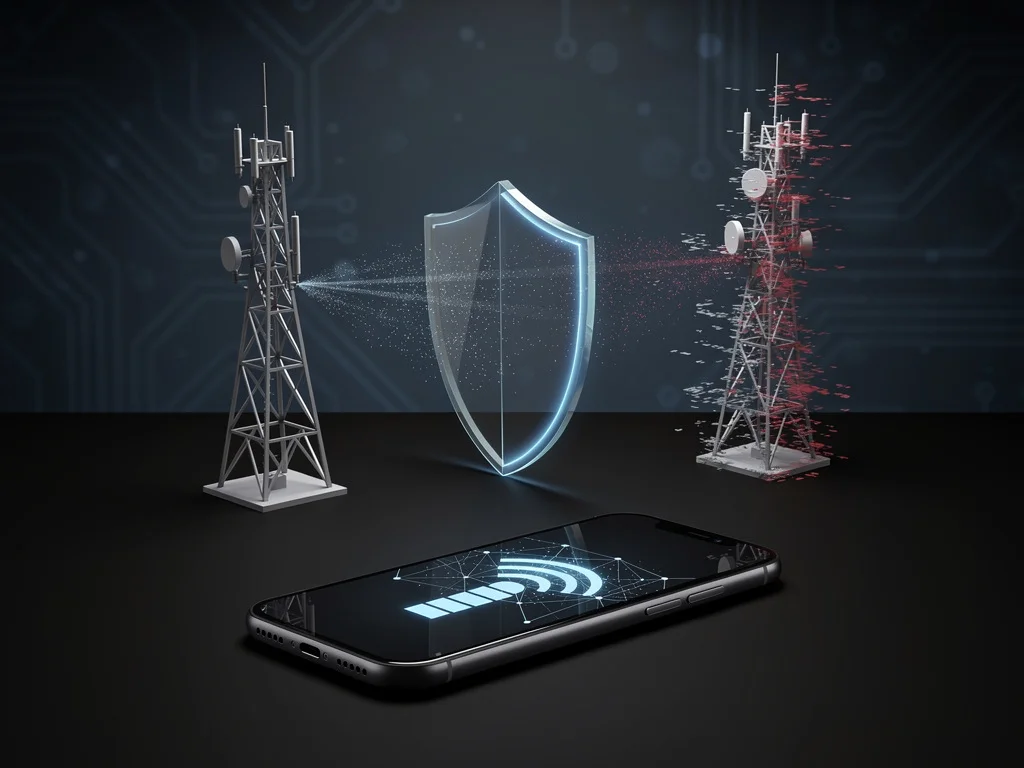
2G was revolutionary when introduced, enabling the first global mobile communications. However, its A5/1 encryption algorithm is notoriously weak and has been cracked for decades. Attackers exploit this by deploying fake cell towers known as IMSI catchers or Stingrays. These devices masquerade as legitimate base stations, forcing your phone to downgrade from secure 4G/5G to vulnerable 2G. Once connected, hackers can intercept calls, texts, and even location data without your knowledge.
- IMSI Capture: Extracts your International Mobile Subscriber Identity for tracking.
- Man-in-the-Middle Attacks: Listens to unencrypted voice and SMS traffic.
- SS7 Exploitation: Leverages 2G's ties to the outdated Signaling System 7 protocol for broader network breaches.
This isn't theoreticalsecurity researchers have demonstrated these exploits at conferences like Black Hat, showing how readily available hardware can perform them.
Why Your Phone Defaults to 2G
Modern smartphones prioritize connection over security. When signal weakens, they automatically fall back to the strongest available network, including 2G. In rural areas or during congestion, this ensures coverage but at a steep security cost. Carriers maintain 2G for legacy devices like old feature phones or IoT gadgets, delaying full sunsetting. Until networks fully phase it out, your phone remains at risk unless you intervene.
Real-World Implications
The impact extends beyond individuals. Businesses face corporate espionage risks, as executives' communications become interceptable. Privacy advocates highlight how 2G enables mass surveillance without warrants. Governments in some regions use similar tech legally, but criminals mimic it freely. By keeping 2G enabled, you're essentially leaving your digital front door unlocked in a high-crime neighborhood.
How to Disable 2G: Step-by-Step Guide
Fortunately, disabling 2G is simple and varies little across platforms. This setting forces your phone to use only 3G and above, eliminating the vulnerability without affecting daily use in most areas.
For Android Devices
- Go to Settings > Network & Internet > Mobile Network.
- Tap Advanced or Access Point Names.
- Select Preferred Network Type.
- Choose LTE/5G or 4G/3G onlyavoid options with 2G.
Note: Exact menus differ by manufacturer (Samsung, Google Pixel, etc.), but search 'disable 2G' in settings for tailored paths.
For iPhones
- Open Settings > Cellular > Cellular Data Options.
- Select Voice & Data.
- Choose 5G On, 5G Auto, or LTE (no 2G/3G fallback).
Verify by checking signal barsno '2G' indicator should appear.
Potential Drawbacks and Mitigations
In rare cases, disabling 2G might cause connectivity drops in 2G-only zones. However, with 3G largely phased out and 4G/5G ubiquitous in urban areas, this affects few users. If traveling to remote spots, temporarily re-enable and monitor. Pair this with VPNs for data, encrypted apps like Signal for calls, and regular OS updates for layered defense.
Industry Momentum Toward Phase-Out
Carriers worldwide are accelerating 2G shutdownsEurope and parts of Asia ahead, U.S. lagging. This upgrade buys time and peace of mind. Security experts unanimously agree: the minimal inconvenience pales against breach risks.
In an era of rising cyber threats, disabling 2G exemplifies proactive defense. It's free, fast, and fortifies your smartphone against yesterday's tech haunting today's world. Act nowyour security depends on it.